Hi,
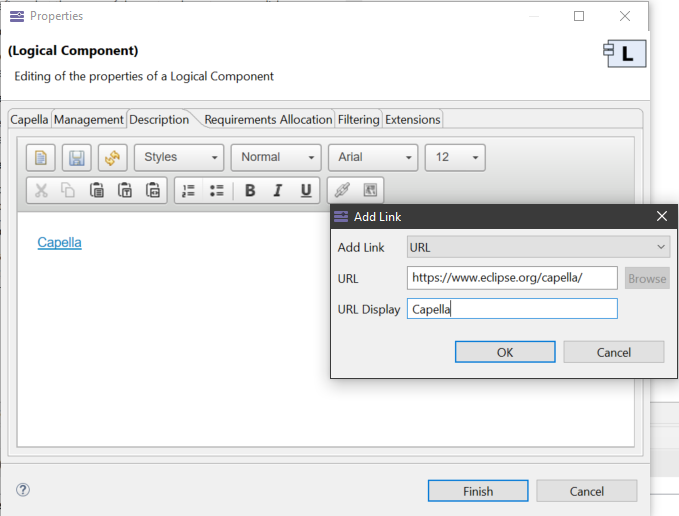
I can’t generate anymore an hyperlink in a description item with Capella 5.2
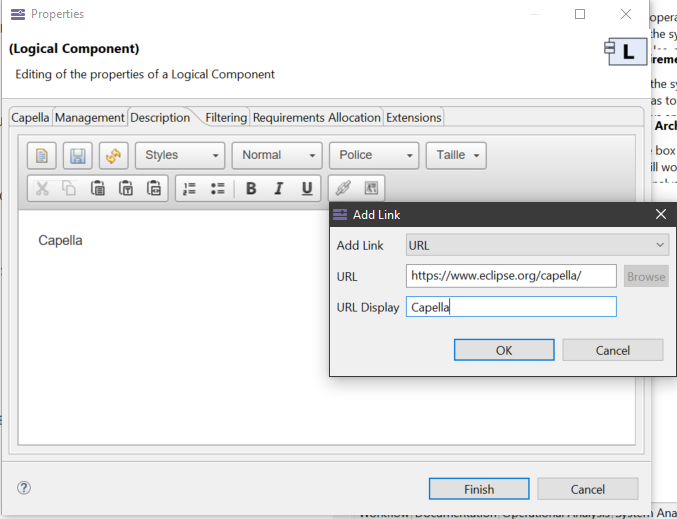
But I succeed with the older Capella 5.0 version:
Do you know this issue?
thanks
dvd
Hi,
I can’t generate anymore an hyperlink in a description item with Capella 5.2
But I succeed with the older Capella 5.0 version:
Do you know this issue?
thanks
dvd
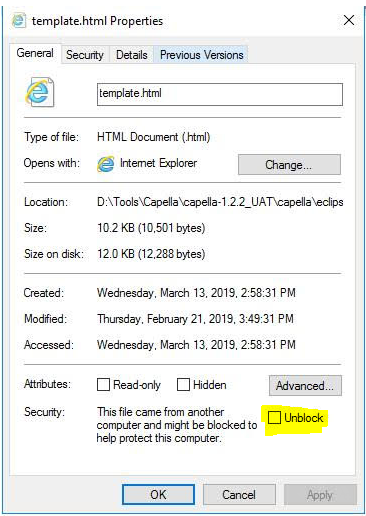
This usually solve the issue:
Stephane Lacrampe
Obeo Canada
Indeed, it is the solution
thanks
dvd
hello in version 6.1, the workaround does not work.
The path has changed a little: C:\Program Files\Capella 6\capella\plugins\org.eclipse.nebula.widgets.richtext_1.3.0.201912241810\org\eclipse\nebula\widgets\richtext\resources
Oups.
the bypass works perfectly, you must of course restart Capella