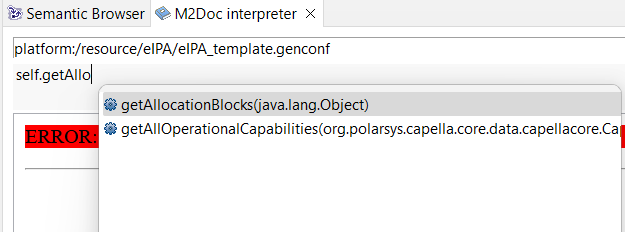
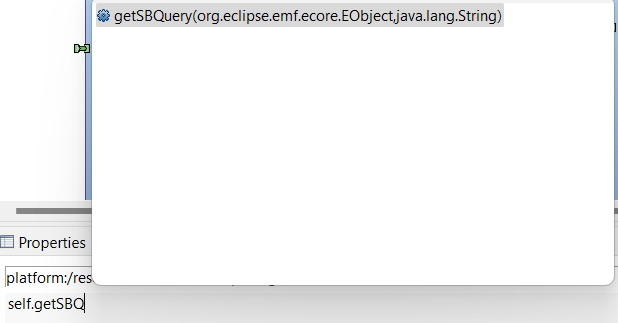
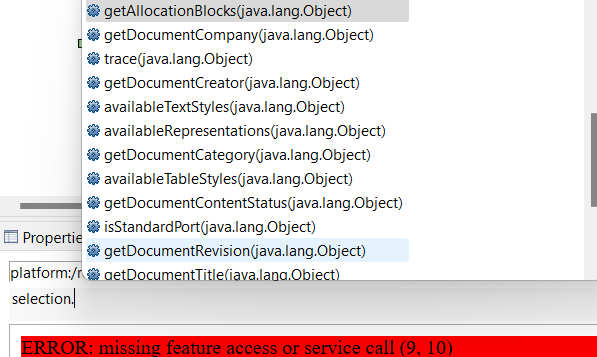
May I ask if you can elaborate more on the “selection” variable you are using to make the query? My self variable does not seem to have the getAllocating/Allocated Requirements method available.
Also, I am not able to visualize Requirements allocation in my semantic browser either. Maybe because I am missing the selected R icon you are showing?
This is the list of icons I have next to the Project explorer tab
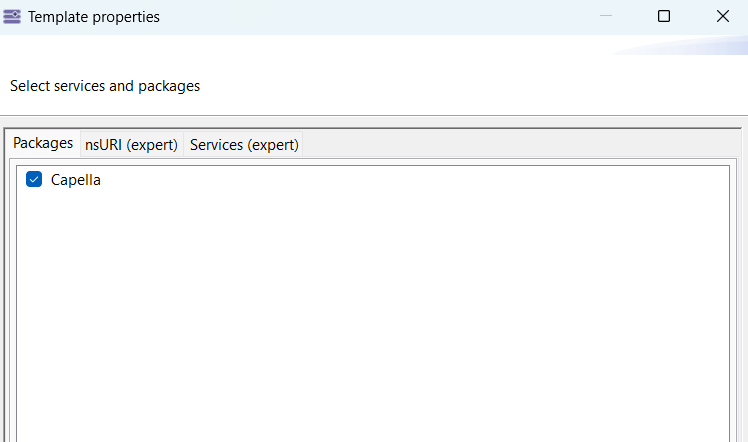
As an alternative to the semantic browser queries, you can use services listed above by @pge62. To have access to those services, you will need to select the Capella package in the template properties wizard.
If you edited your template properties after opening the M2Doc interpreter view, you might need to refresh the template in the view. You can use the yellow arrows button to do so.
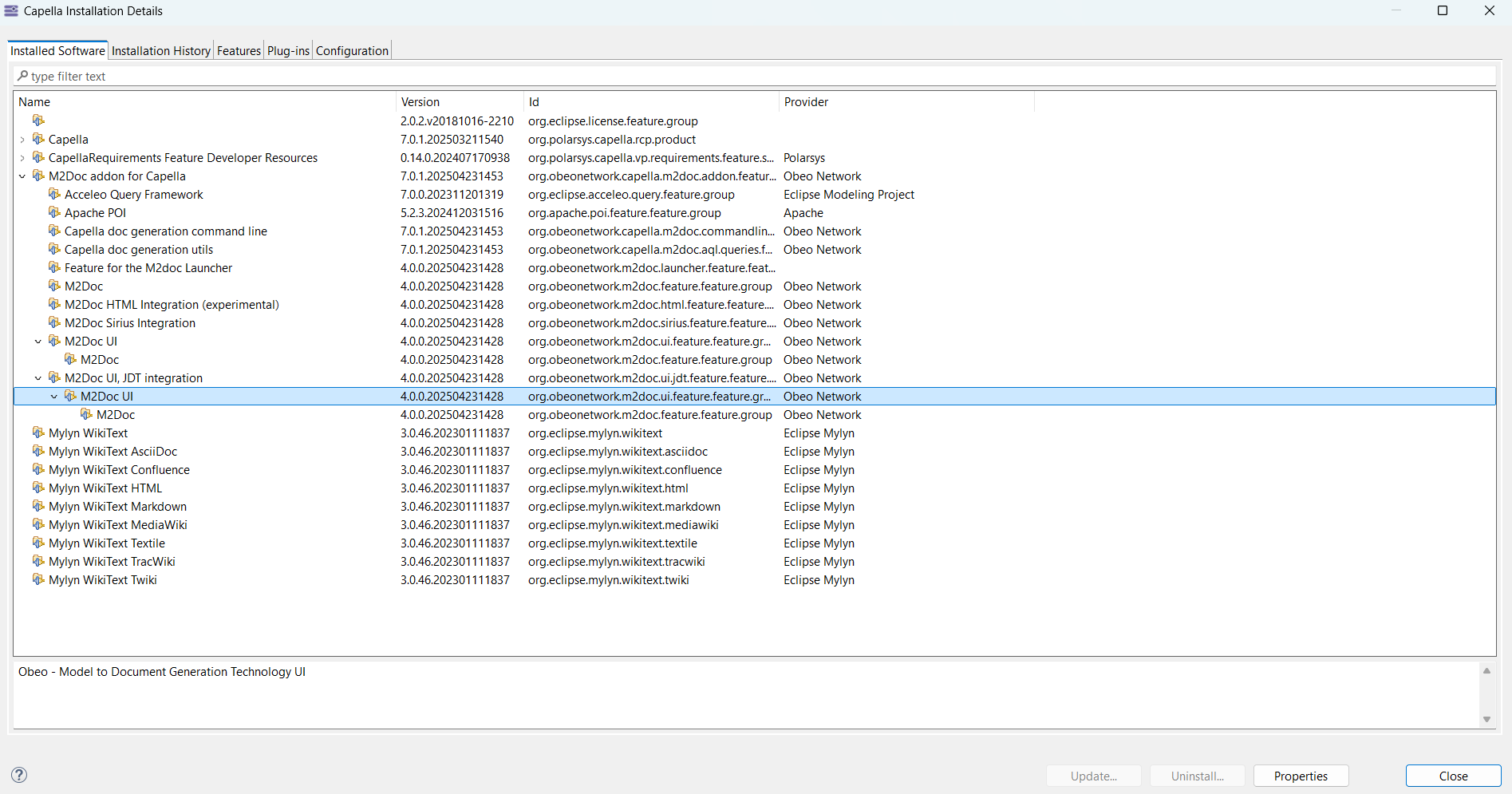
I updated both Capella version (to 7.0.1) and M2Doc version to 4.0.0
It seems I was successfully able to migrate my old project to the new version (right click on Project folder in the Project explorer, then Migration->Migrate Project toward current version).
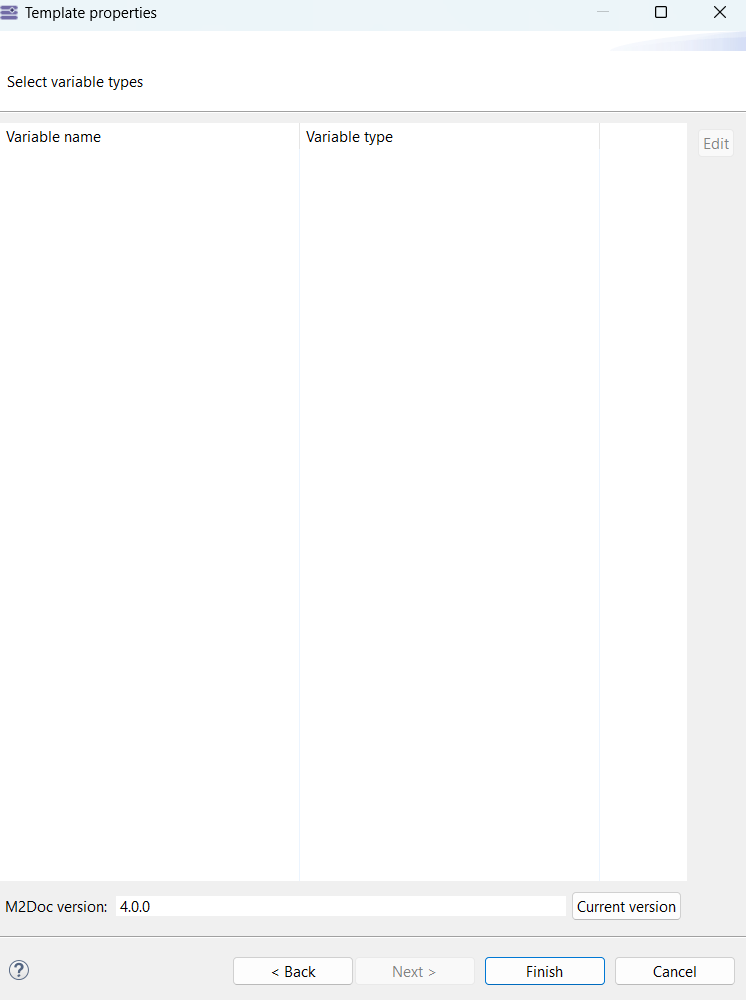
I also installed RP and M2doc add-ons (M2doc version 4.0.0), but it seems in no way I am able to set the M2doc variable. This is what I get from the docx template properties (empty list of variable names)
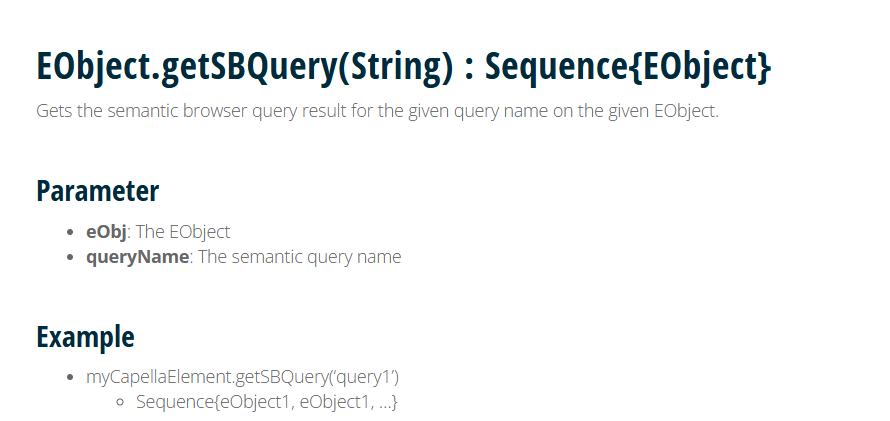
In the link @YvanLussaud was pointing above, it is talking about specifying an EObject and a query name, but can’t really figure out by myself exactly what they are
The EObject is any element from your Capella model. In your case it’s the Capella element you want to retreive requirements from. The String is the query name shown in bold in the semantic browser view. May sure you enabled requirements queries in the semantic browser then you can use the M2Doc interpreter view and select an element from your model:
selection.getSBQuery('Allocating Requirements')
You can change the selection or the name of the query for testing purpose.
I am sorry, I am really new to this and maybe also not very good at understanding.
I just figured out that I have a “selection” variable (which I thought was a user defined alias for self), besides the “self” one and maybe still missing some settings?
What I need at the end btw is to put these queries in a word template to build up a traceability matrix.
Not quite sure at this point, if what we are trying to achieve here is also that or just getting info from currently selected elements within the Semantic browser
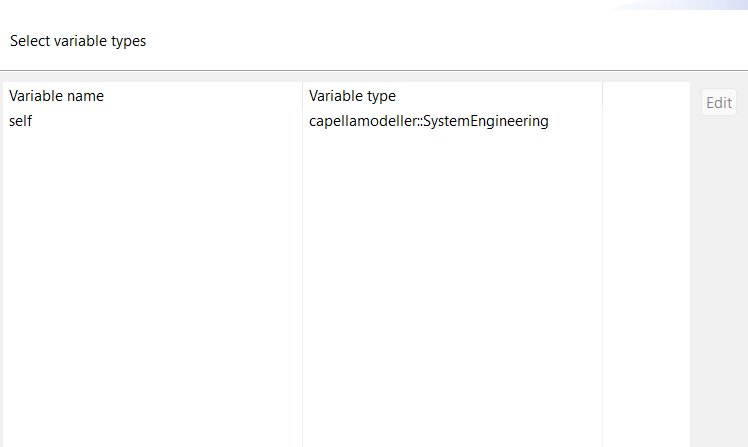
The selection variable is defined by the M2Doc interpreter view to bind the current selection. This is useful for testing. When you have something that works for you, you can navigate to this Capella element in your template to execute the same AQL expression. You can also test this expression in the M2Doc interpreter view.
Let say your self variable is the root SystemEngineering and you want to access the root LogicalComponent, you can use the following expression:
AQL use any Ecore metamodel to navigate a model conforming to this metamodel. For Capella most metamodels are available here. You can also use the content assist from the M2Doc interpreter view. And you can access the metamodel of an element (self.eClass()) to get the list of all references and attributes available for that object.
self.eClass().eAllStructuralFeatures
If you are more familiar with Java you can also use the Java code generated by EMF which has the same structure as the metamodel.