I’ve been using Capella lately to create the operational analysis of a complex system, and I have several questions:
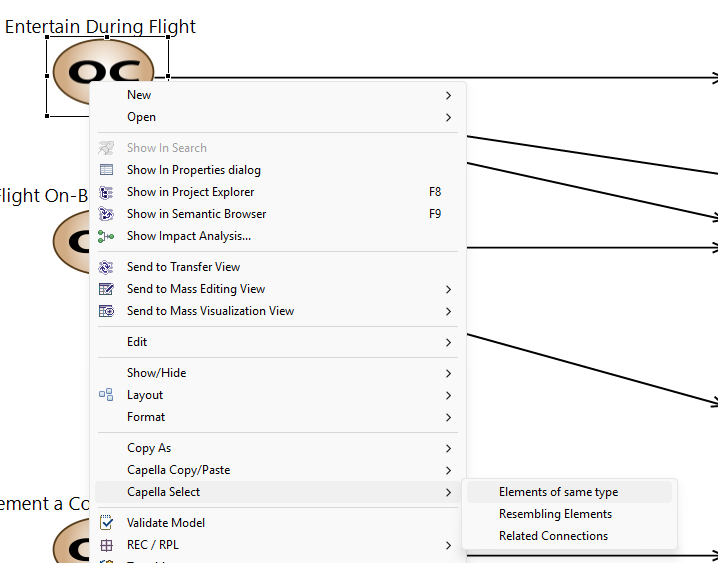
1. [In one click or simply-using a shortcut ] Is it possible to hide elements from a Capella diagram by their type (e.g. actors/entities from an Operational Capability Blank (OCB) diagram) ?
2. Is there a recommended trick or rule-of-thumb to optimize the layout of my diagrams? Actually, after integrating all the “involve relationships” in my OCB, UNFORTUNATELY, my diagram looks like a spaghetti. Worse, when I try the “Layout All” button it becomes a total mess
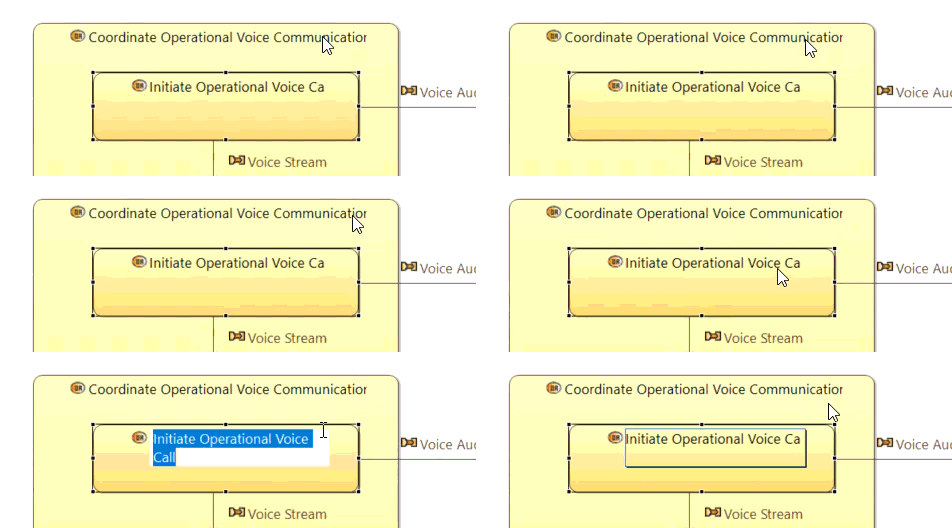
3. Finally, I’ve observed that sometimes the last letter of my labels gets hidden given an impression that there’s a typo mistake, despite maximizing the box size without progress. It appears to be a rendering issue, is there any known fix for that?
Sorry for asking many questions, I’m trying to make my diagrams user-friendly to encourage adoption of MBSE with Capella
Q1… there is a toolbar at the top with a “filters” option. This will allow you to hide different elements on the diagram as you need.
Q2… It is easy to try to create “one big diagram” with everything on there. This is very hard to keep tidy. Try breaking down your system into smaller diagrams, modelled per capability, component etc. Have diagrams that show the structure, have diagrams that show the functions etc. Always think, “what story am I trying to communicate?” And create a diagram that tries to tell this story. This will lead to more focused diagrams.