Hi everyone,
I am completely new to M2Doc and this is my very first attempt at generating documentation from a Capella model, so I apologize if I am overlooking something obvious.
I am currently using:
-
Capella 7.0.1
-
M2Doc 4.0.2
-
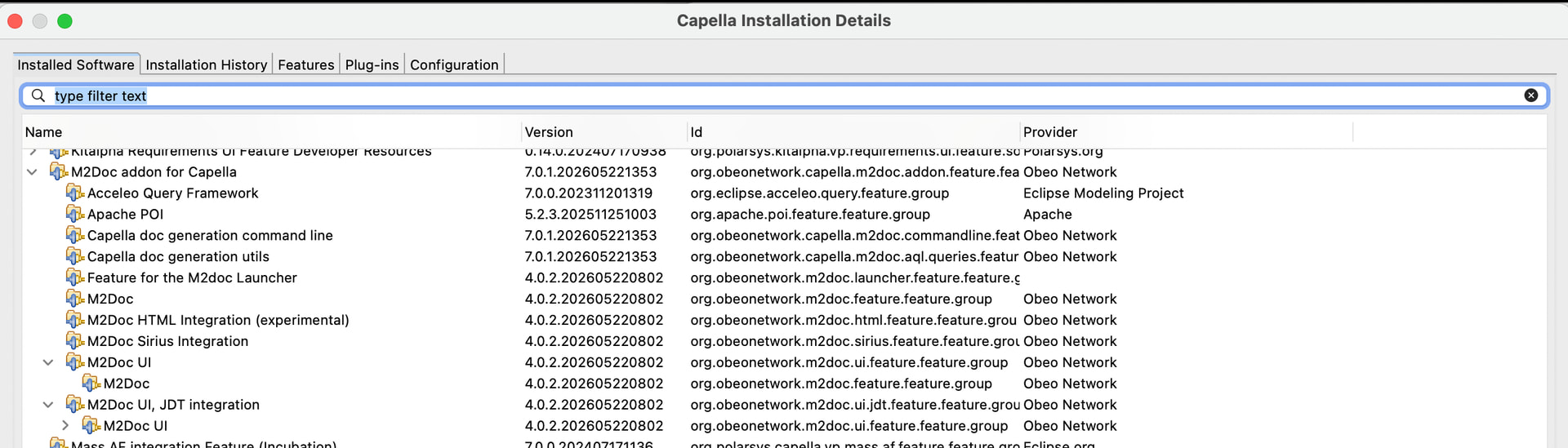
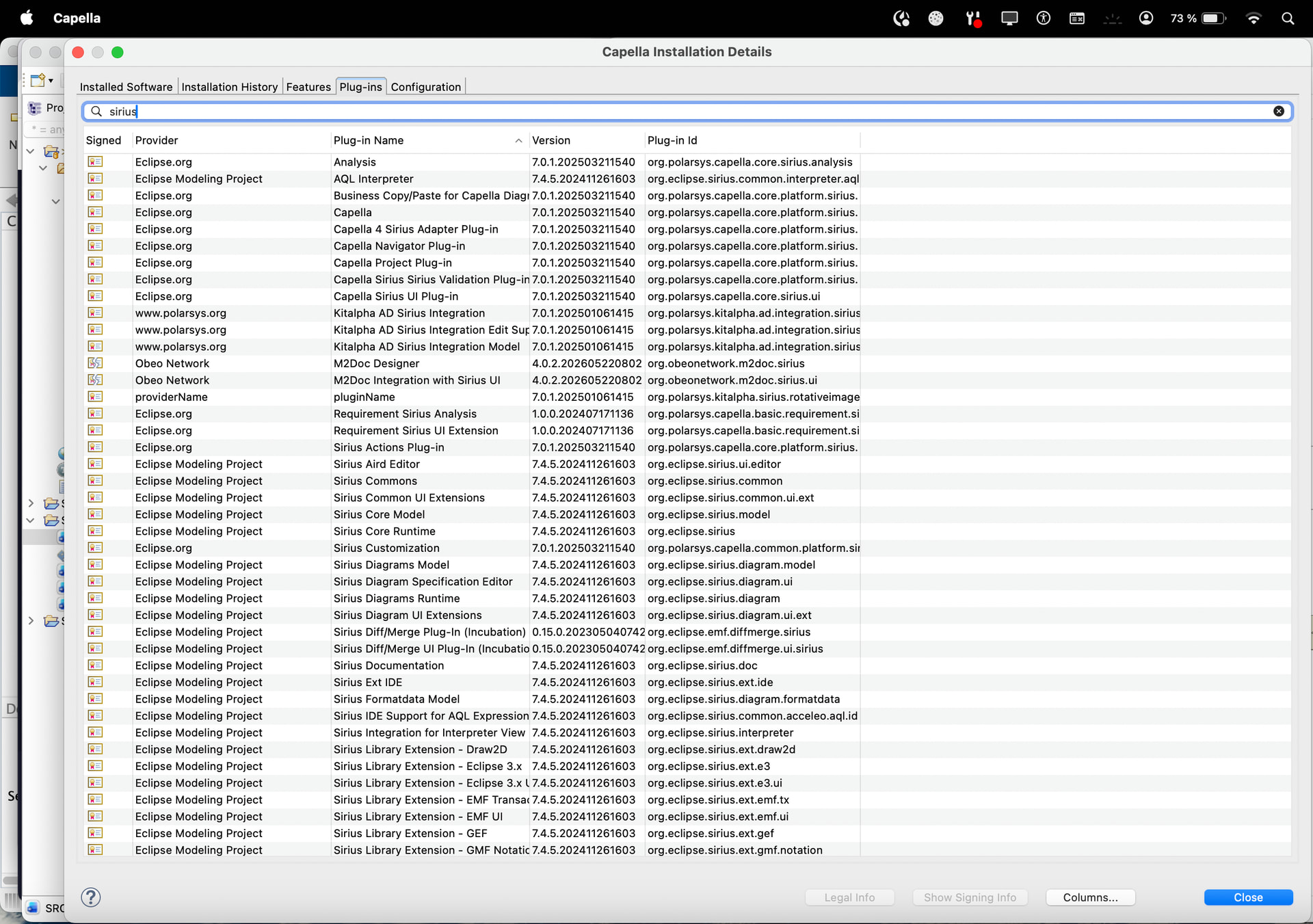
M2Doc Sirius Integration
My goal is to generate documentation from my Operational Analysis model and include Capella diagrams directly in the generated document.
After quite a bit of debugging, I have reached a point where I can successfully access the Sirius model from M2Doc:
-
The
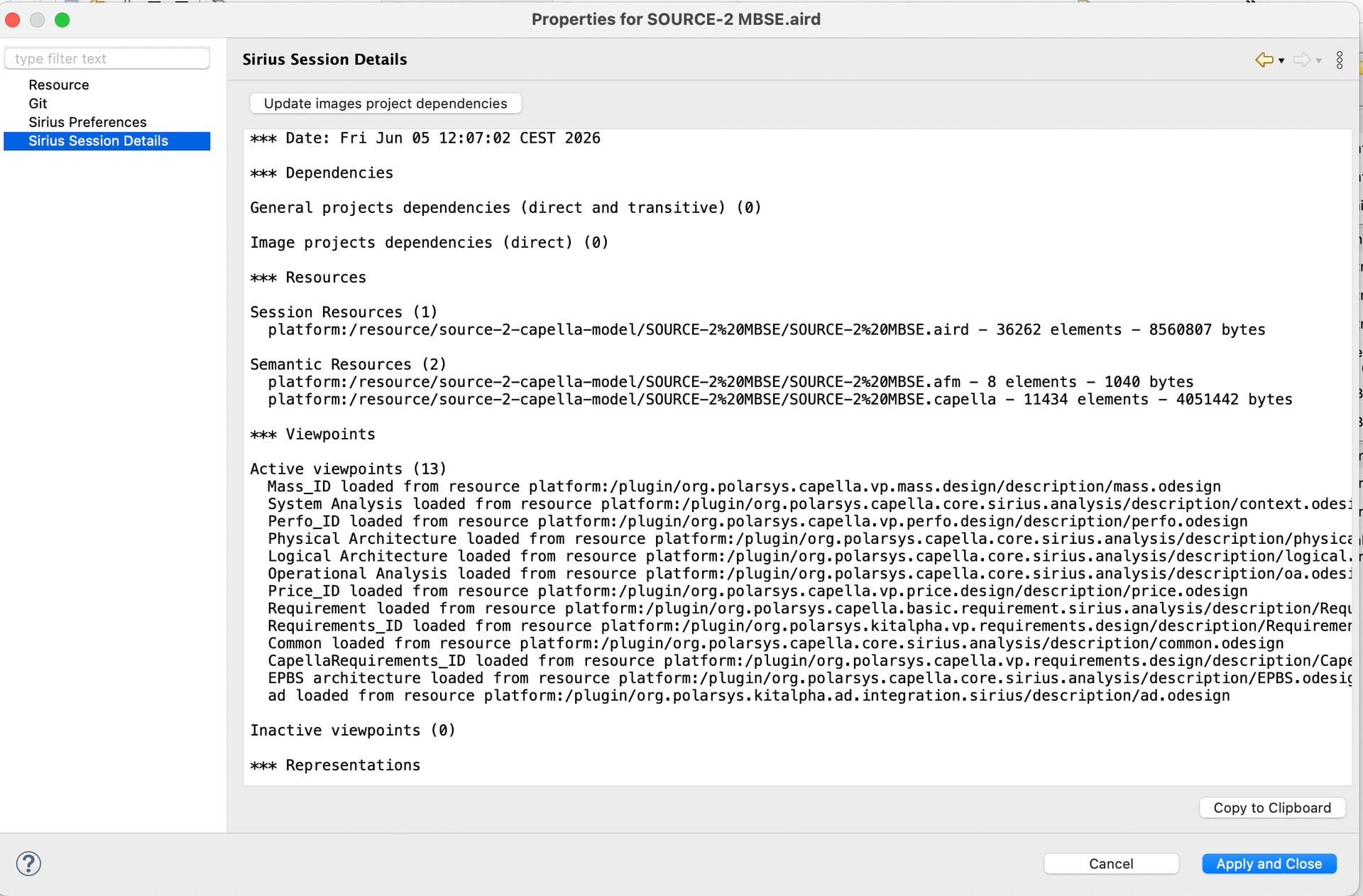
.airdfile is loaded correctly -
A
DAnalysisobject is available -
ownedViewscan be accessed -
DRepresentationDescriptorobjects can be accessed -
DSemanticDiagramobjects can be accessed
For example, the following works:
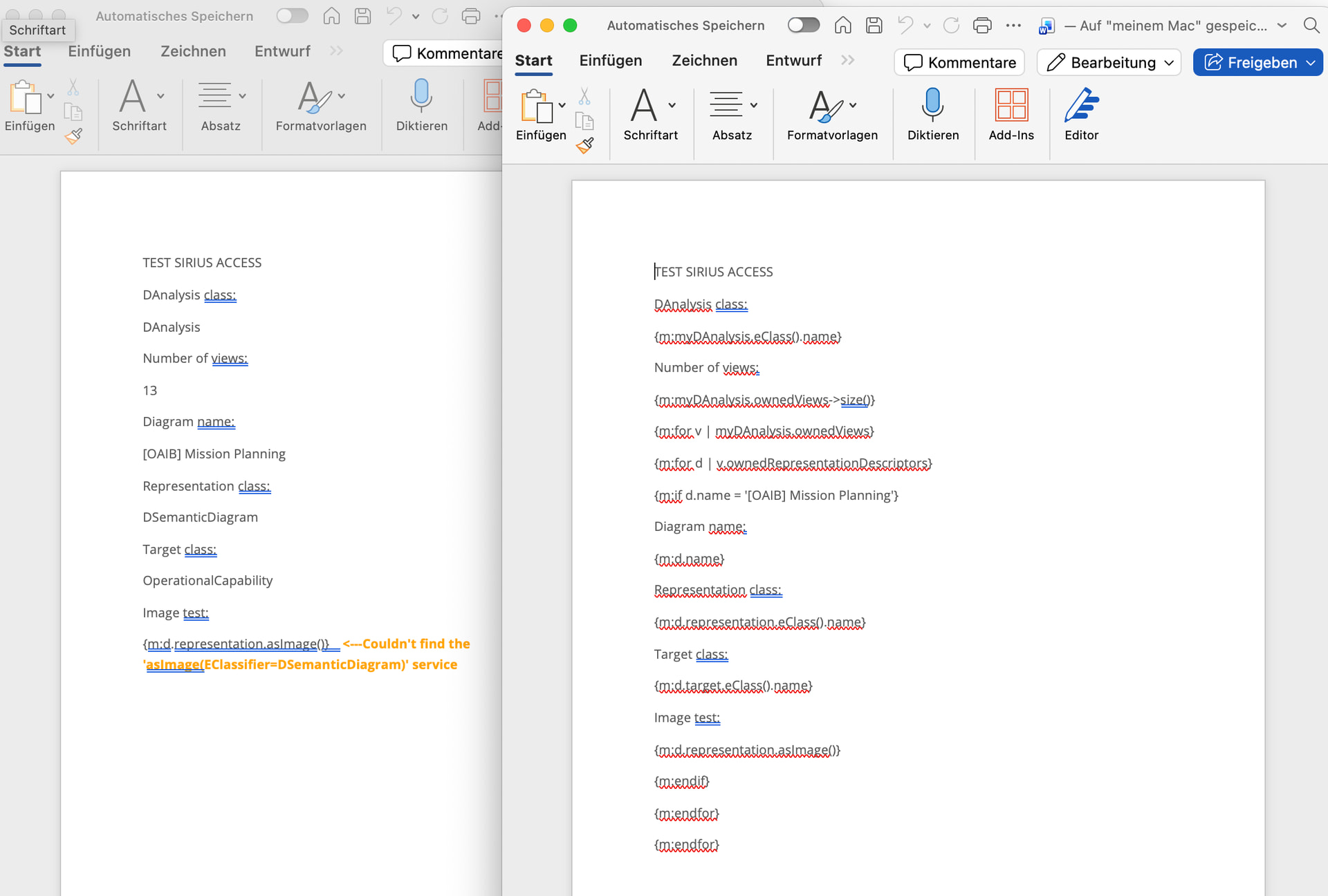
{m:d.representation.eClass().name}
and returns:
DSemanticDiagram
I can also iterate through all representation descriptors and find specific diagrams such as:
[OAIB] Mission Planning
However, all Sirius-specific M2Doc services seem to be unavailable.
The following examples all fail with a “service not found” error:
{m:‘’.availableRepresentations()}
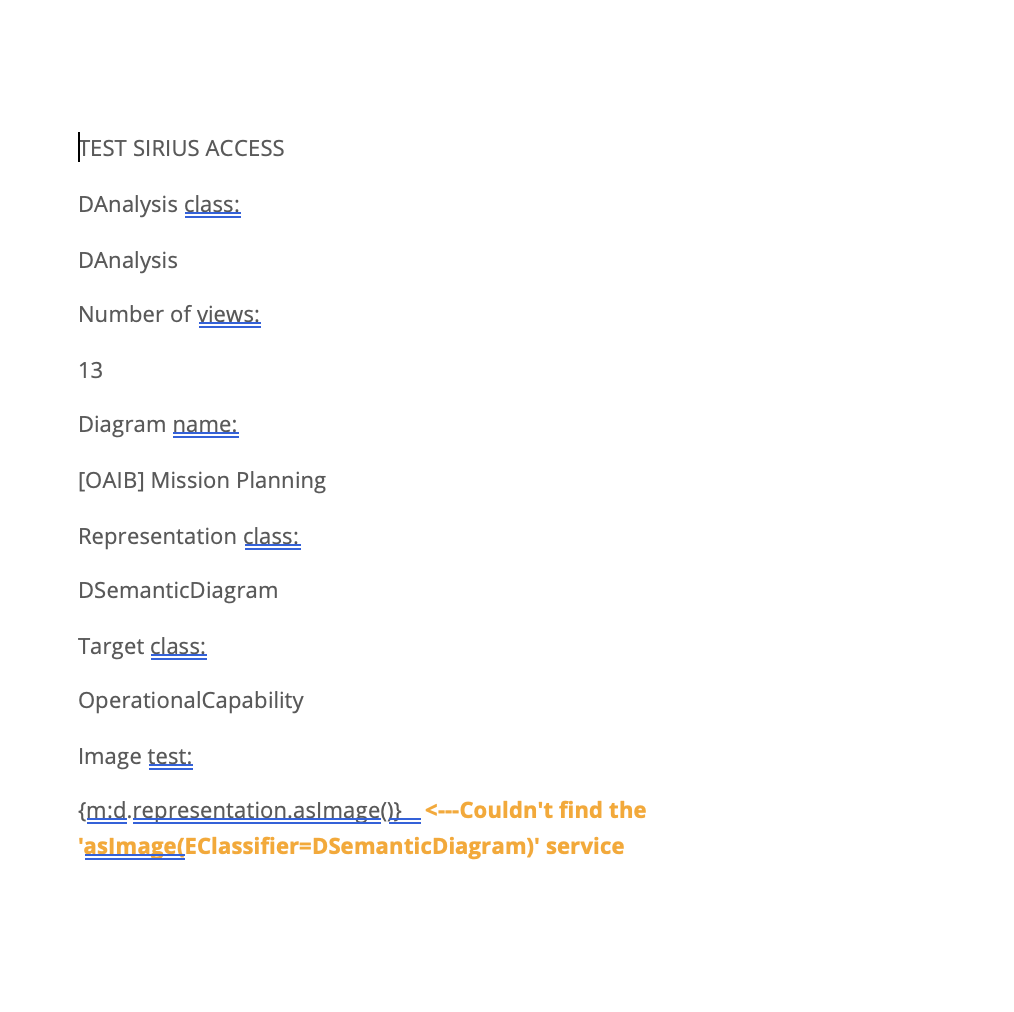
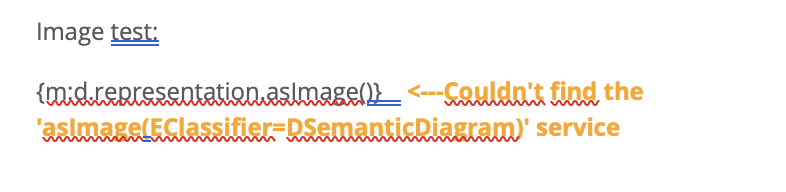
{m:d.representation.asImage()}
{m:‘[OAIB] Mission Planning’.representationByName()}
{m:‘[OAIB] Mission Planning’.asImageByRepresentationName()}
Typical error message:
Couldn’t find the ‘asImage(EClassifier=DSemanticDiagram)’ service
or
Couldn’t find the ‘availableRepresentations(java.lang.String)’ service
Things I already checked:
-
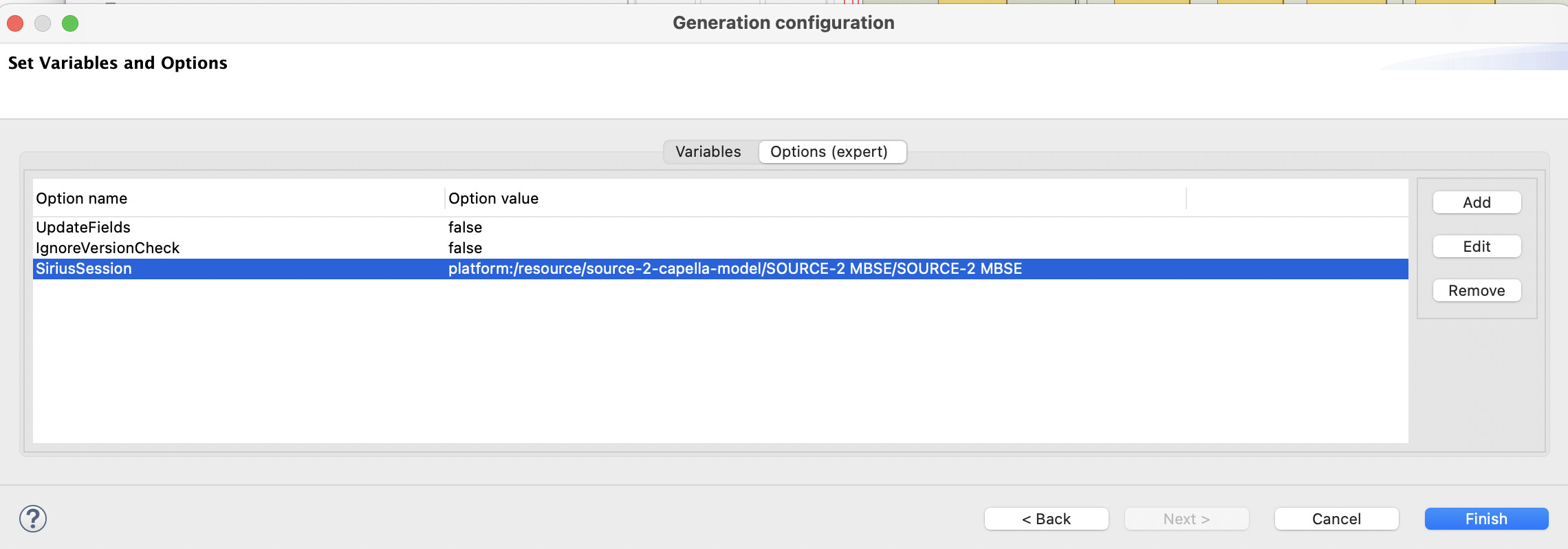
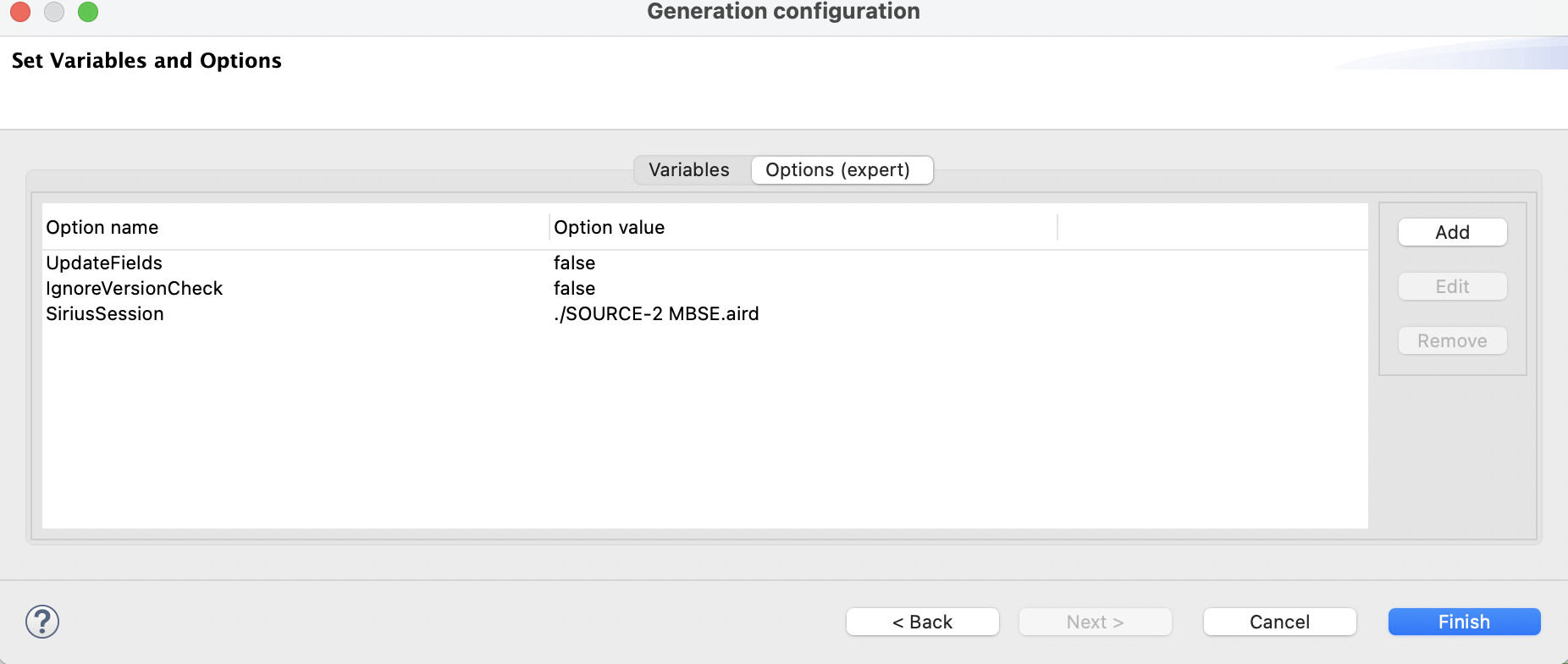
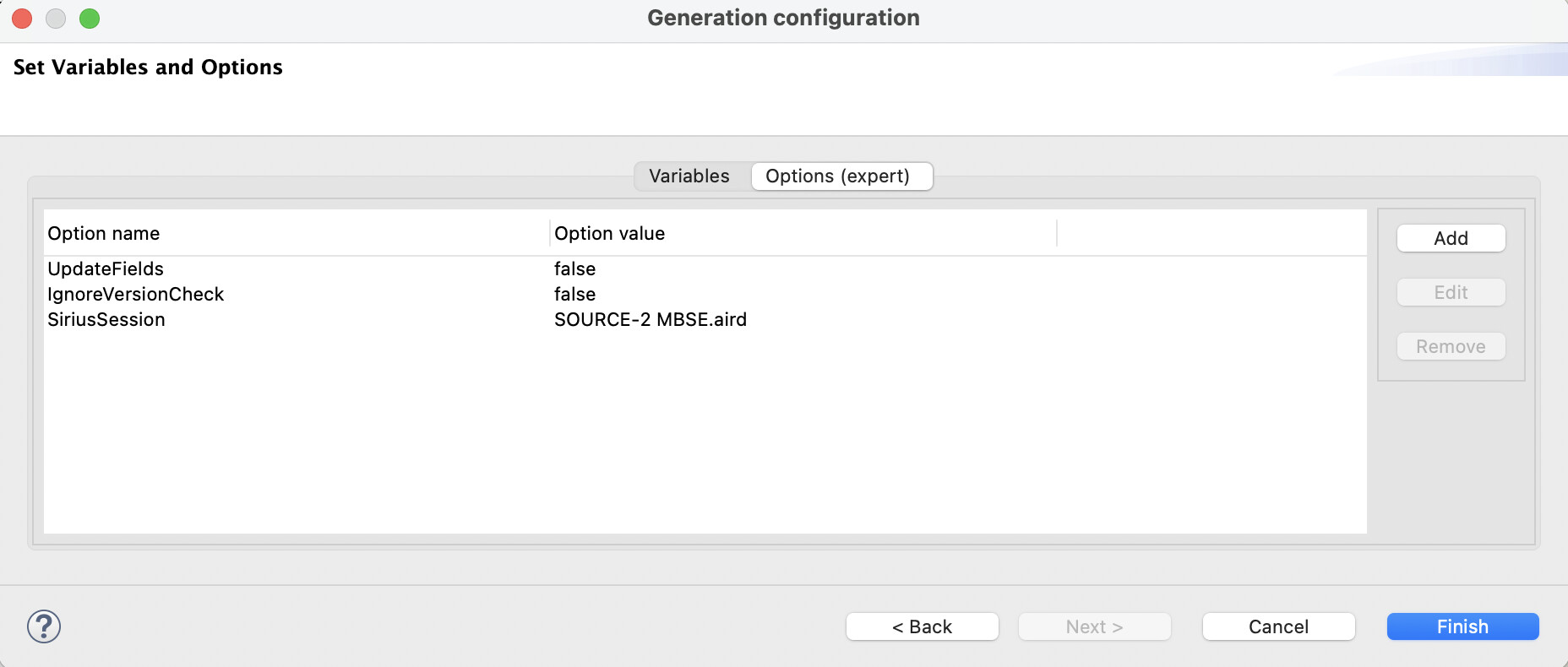
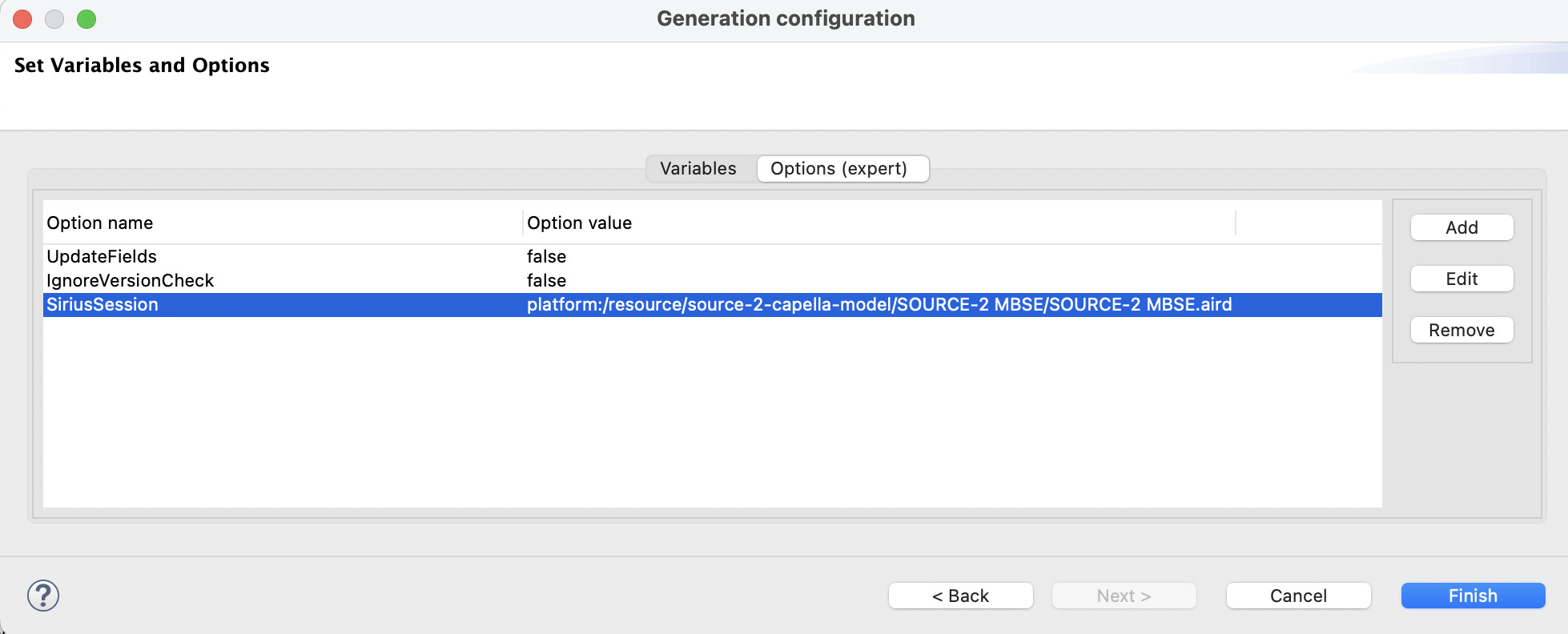
SiriusSession option is set to the
.airdfile -
Sirius nsURIs are registered
-
org.obeonetwork.m2doc.siriusis installed -
org.obeonetwork.m2doc.sirius.uiis installed -
Diagrams can be accessed through
DRepresentationDescriptor
One thing that seems strange to me:
When I open the Generation Configuration and go to Services (expert) → Add the list is completely empty.
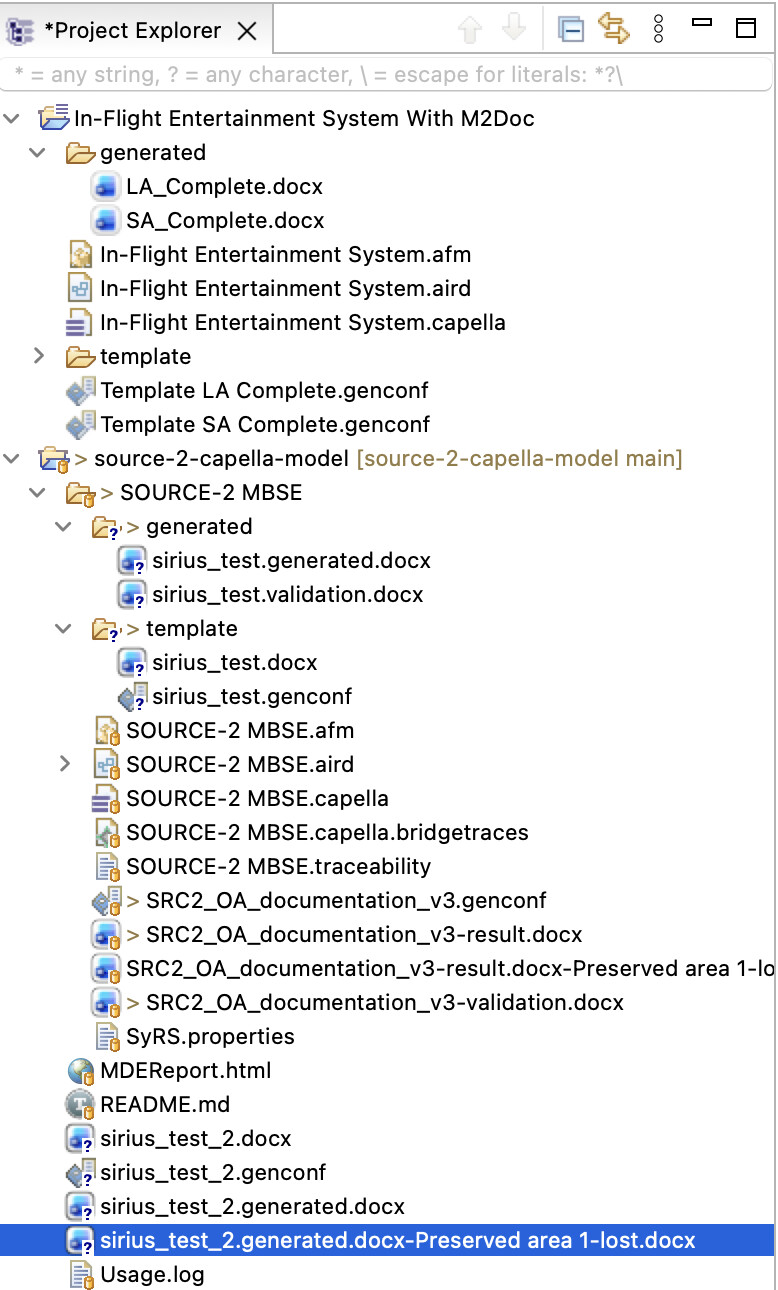
Here are a few screenshots:
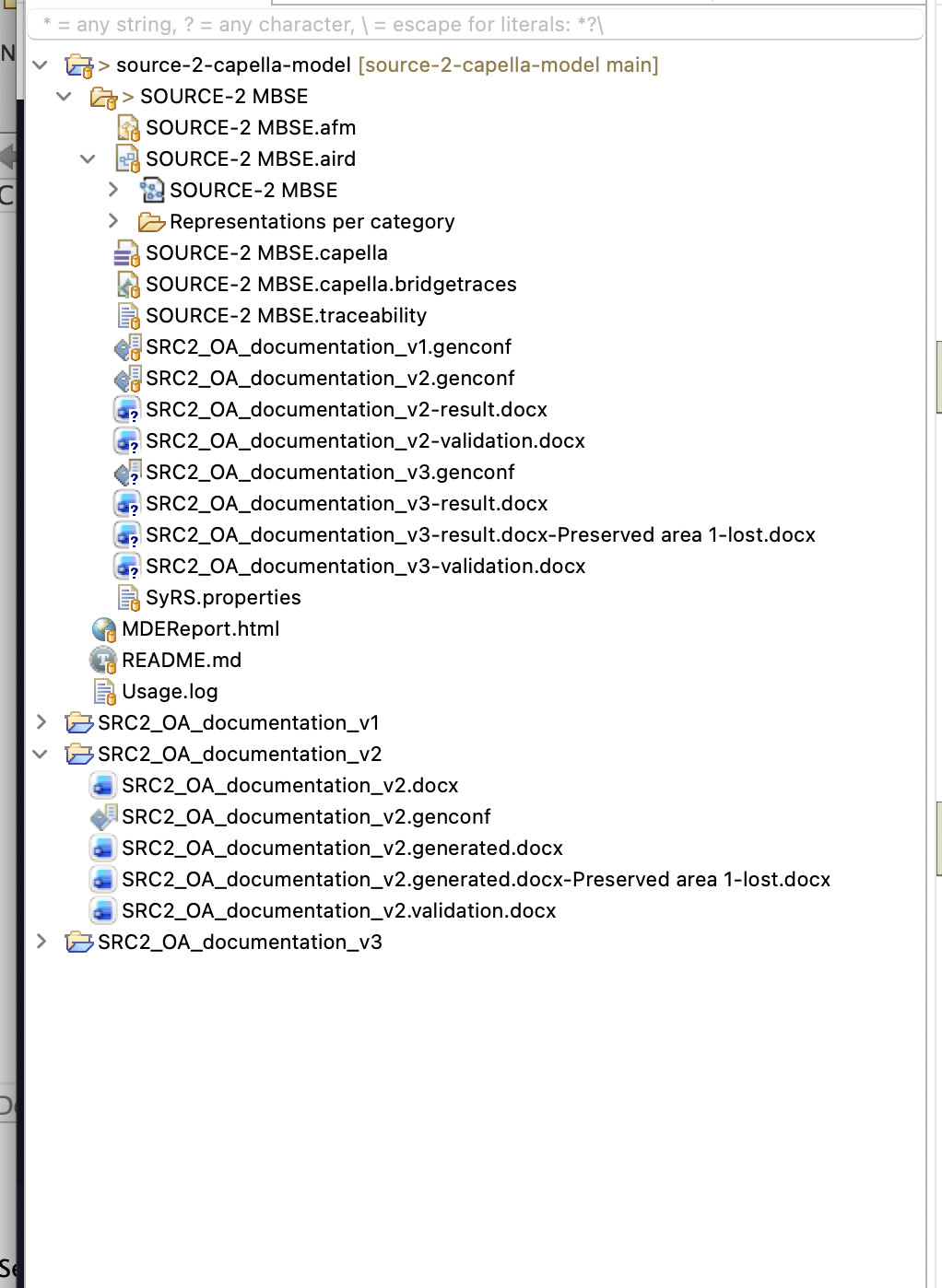
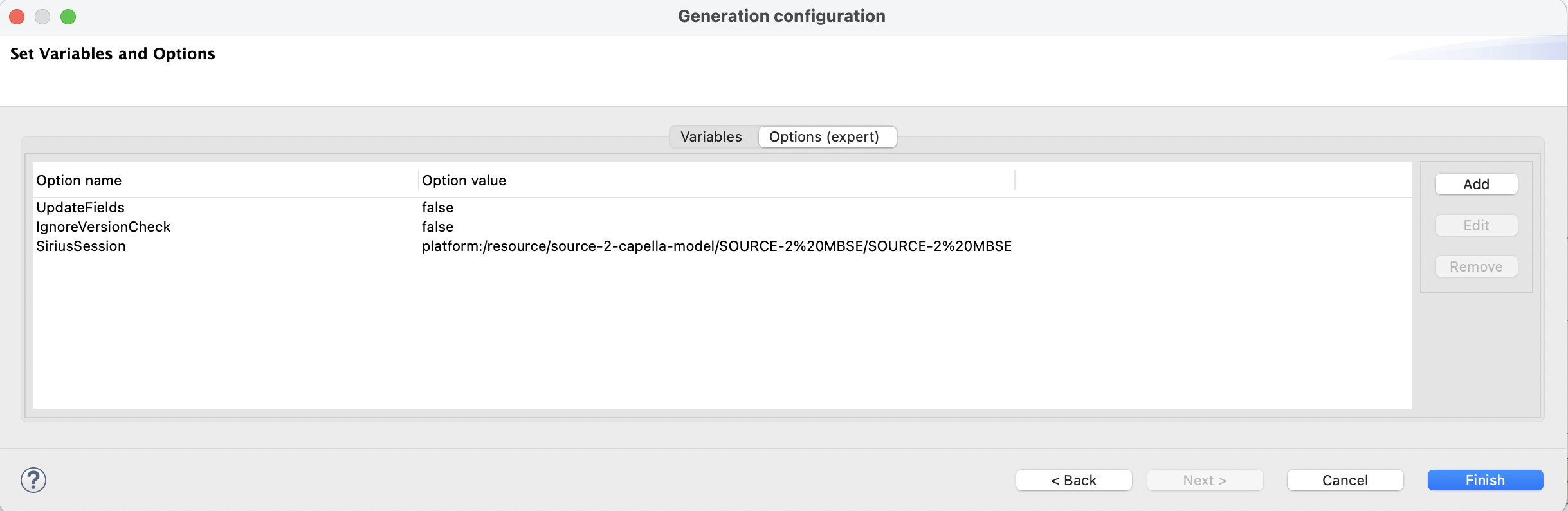
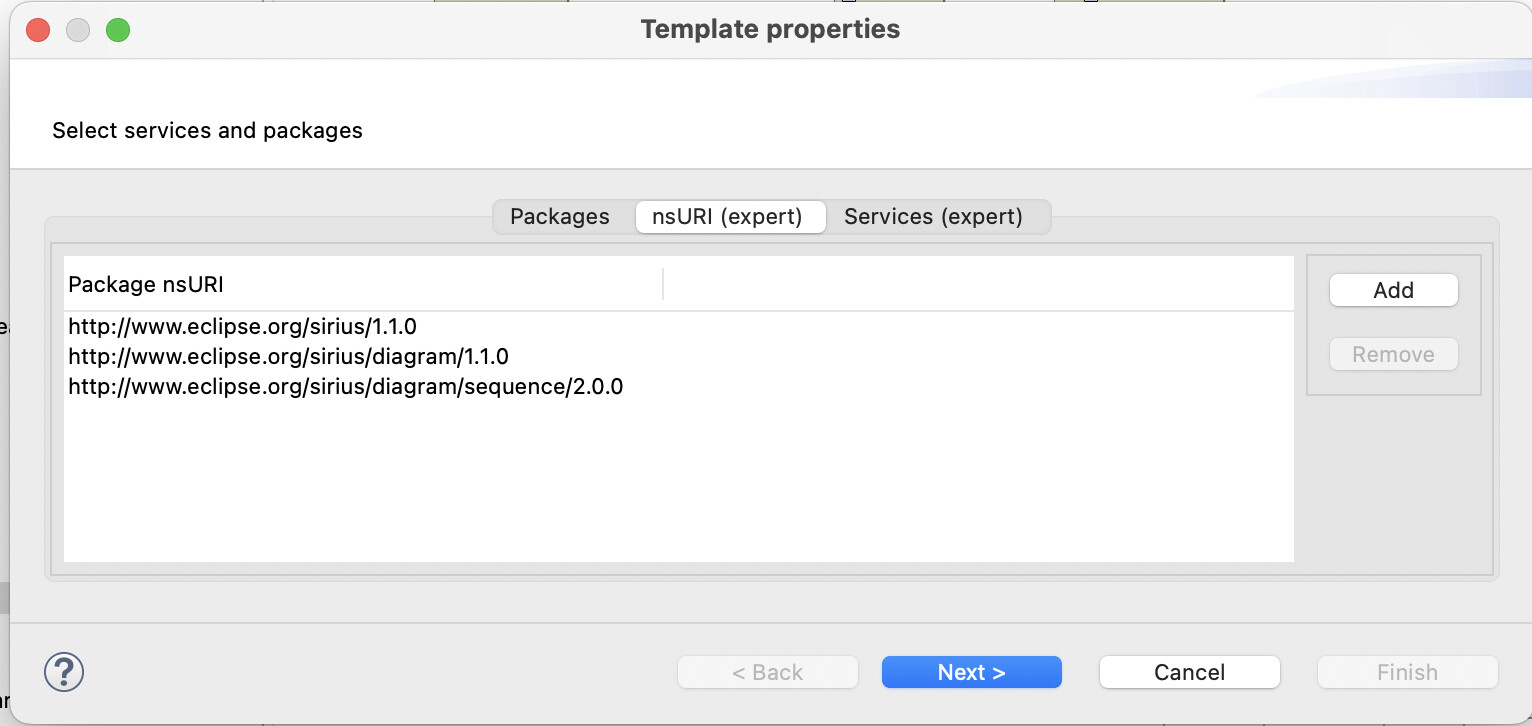
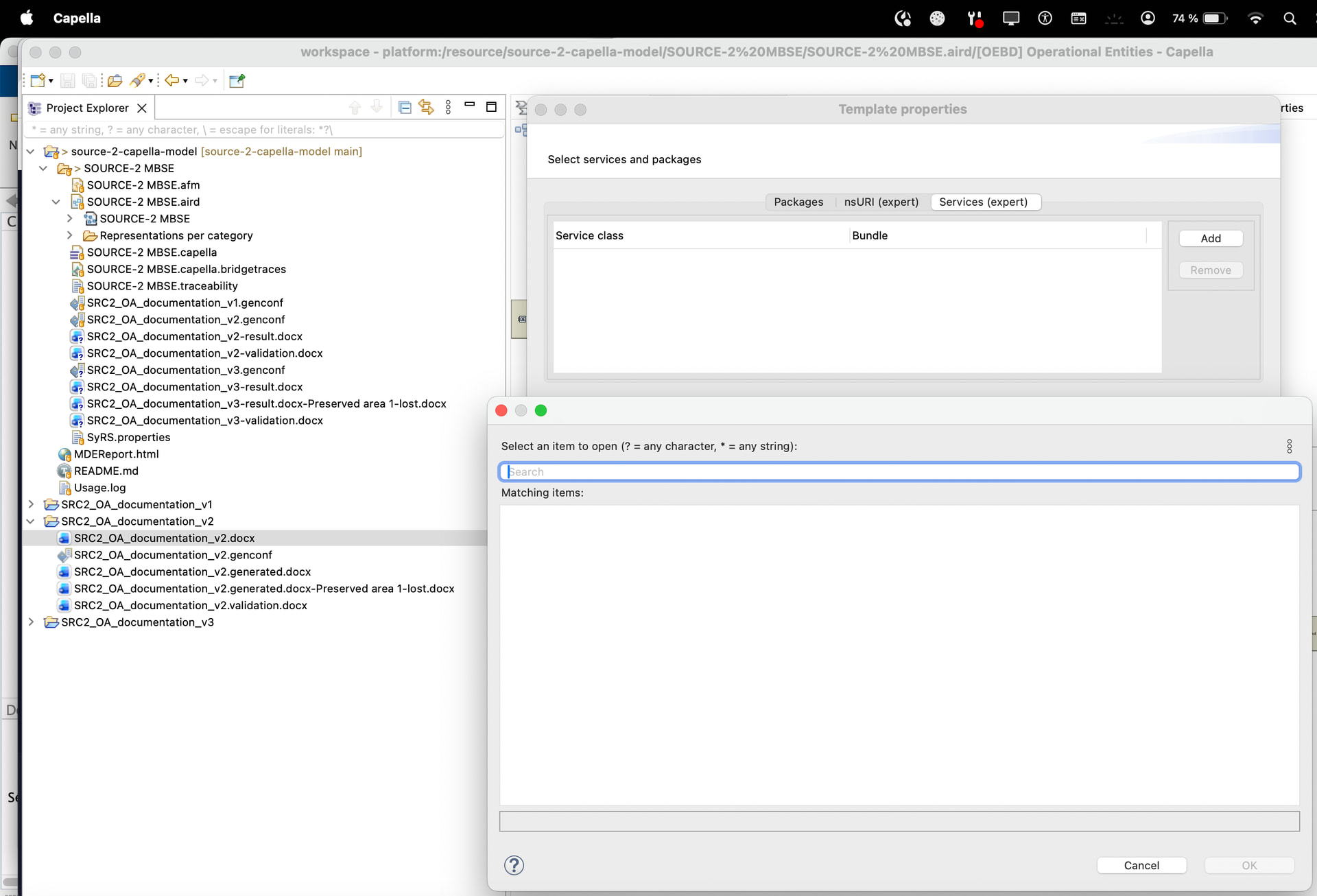
Has anyone seen this behaviour before?
Is there an additional step required to register or enable the M2Doc Sirius Services in Capella 7.0.1 / M2Doc 4.0.2?
Any help would be greatly appreciated, been struggling with this for the last few days.
Thank you very much!