Hello All,
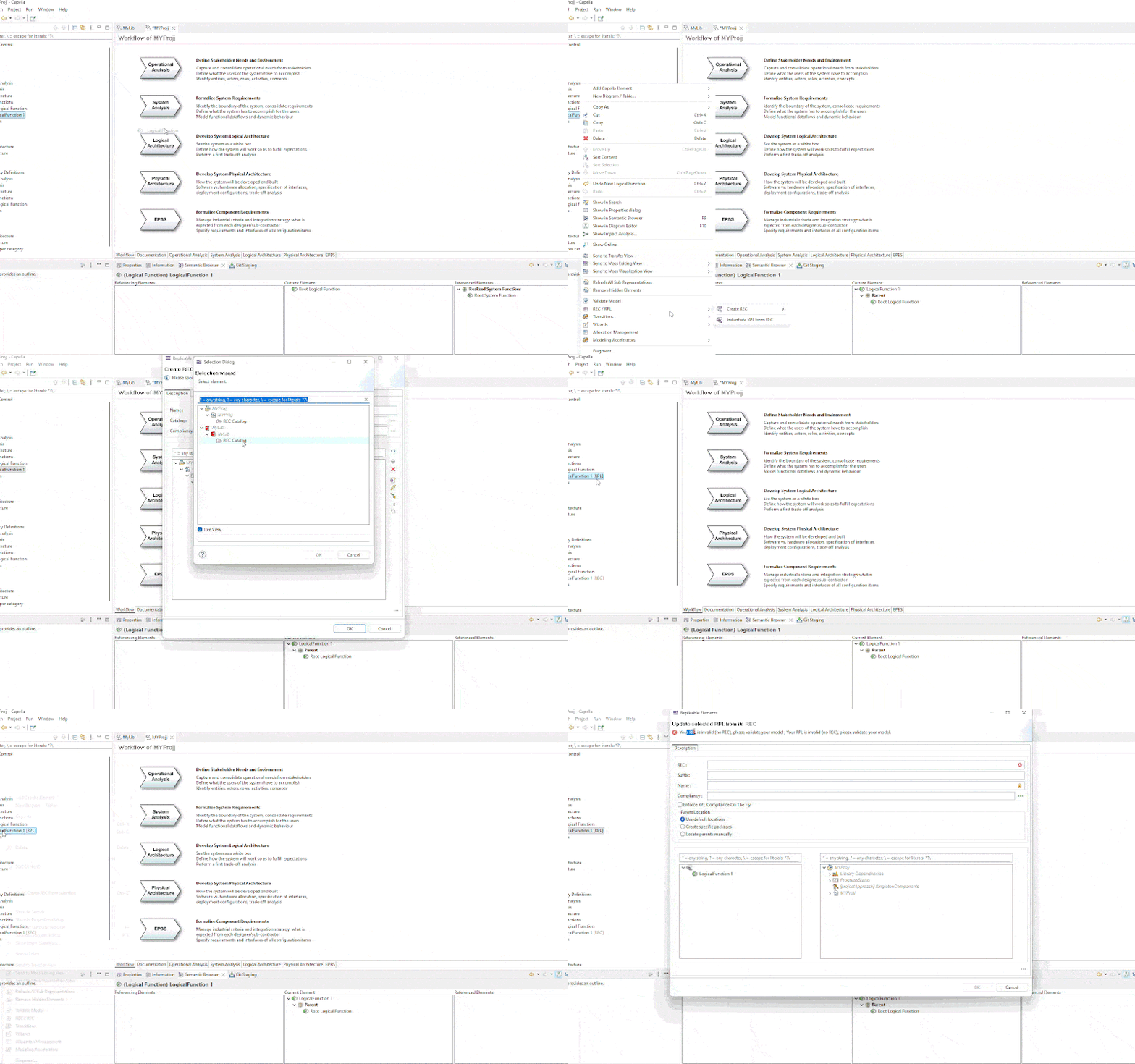
I am following the procedure to create a REC from the project in the Library, and everything works correctly so far. I can create a new function in the project, create a REC, and select the REC container from the library. Once the REC is created, the function in the project becomes RPL as expected. However, when I try to update this RPL, I receive an error stating, “Your RPL is invalid (no REC). Please validate your model.”
Which procedure are you following?
Hi Stephen, I’m having trouble finding the help page I was referring to. Do you think this is not the right way? Is there a way to preserve the project’s current functions while creating a REC in the library?
Why I want to do it.
I went ahead and created many diagrams in the project with all the functions in the project. We are now planning to move these functions to the library for reuse in future projects. But if I move it, I’ll lose all the connections, and I’ll have to recreate the RPL for each one and the diagrams.
But the method I am showing is solving many issues, just not working. Any guidance appreciated.
Well I found that in the documentation (section “Capella Guide > User Manual > Replicable Elements > REC-RPL Advanced Features”) :
Promotion of a REC to a Library
From elements of a model, it would be possible to create a REC into a referenced library.
Elements will be copied into the library and become a REC and initial selected elements will be considered as a RPL of the REC stored in the library.
This feature is not available yet
Hence, I was a little bit skeptical about the way you are proceeding.
Did you look at this section instead ?
Capella Guide > User Manual > Libraries > Usage with Replicable Elements
I hope this helps.
Stephane