Hi, I’m relatively new to using Capella & I’m not sure if I’m just missing something or my file directory is incorrect but I’m trying to download a shared capella file for a group project, but I keep running into some “problem occurred message,” to which I can’t figure out why it’s happening. Would appreciate if there’s any way to solve this!
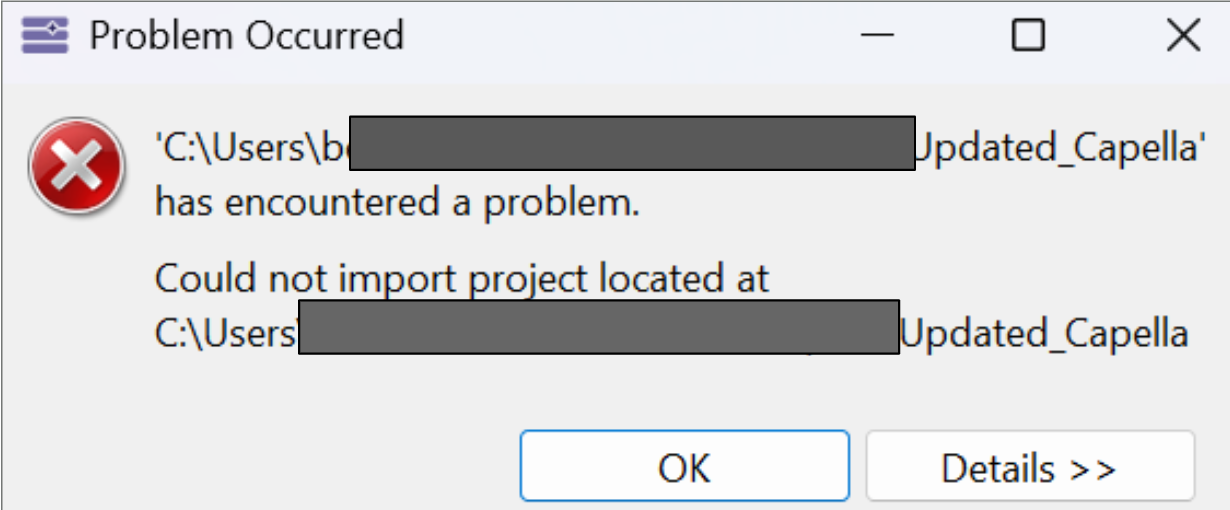
Well, what does it show when you click ont the “details >>>” button?
Also, do you have any error in the .log file (in the .metadata folder of your workspace)?
The “details” button merely repeats the same error verbatim. It doesn’t help me to solve the issue.
I checked the metadata logs and found this:
!ENTRY org.eclipse.ui.ide 4 0 2025-10-17 15:12:11.602
!MESSAGE Could not import project located at C:\Users\benon\OneDrive\Desktop\NUS\AY2025-26 Y3\S1\IE3105\Capella stuff\capella\workspace\IPR Group 2 - Updated_Capella
!STACK 0
org.eclipse.ui.internal.wizards.datatransfer.CouldNotImportProjectException: Could not import project located at C:\Users\benon\OneDrive\Desktop\NUS\AY2025-26 Y3\S1\IE3105\Capella stuff\capella\workspace\IPR Group 2 - Updated_Capella
at org.eclipse.ui.internal.wizards.datatransfer.SmartImportJob.toExistingOrNewProject(SmartImportJob.java:565)
at org.eclipse.ui.internal.wizards.datatransfer.SmartImportJob.run(SmartImportJob.java:252)
at org.eclipse.core.internal.jobs.Worker.run(Worker.java:63)
Caused by: org.eclipse.ui.internal.wizards.datatransfer.CouldNotImportProjectException: Could not perform operation:
A project with name ‘Situation Display’ already exists in workspace, and the folder you’re trying to import contains a project description file (.project) using this same name.
You should consider renaming either the project in workspace, or editing the .project in selected folder.
at org.eclipse.ui.internal.wizards.datatransfer.SmartImportJob.createOrImportProject(SmartImportJob.java:595)
at org.eclipse.ui.internal.wizards.datatransfer.SmartImportJob.toExistingOrNewProject(SmartImportJob.java:552)
It seems like there’s a similar file name from another project. So I tried deleting old files from the workspace, even removing them from the disk to see if it works, but I still end up getting the error when I try to open the project file.
Can you make a recording of the steps you are doing for creating your project and importing?
Like with ScreenToGif?
Thanks
Sure, I’ve attached it below
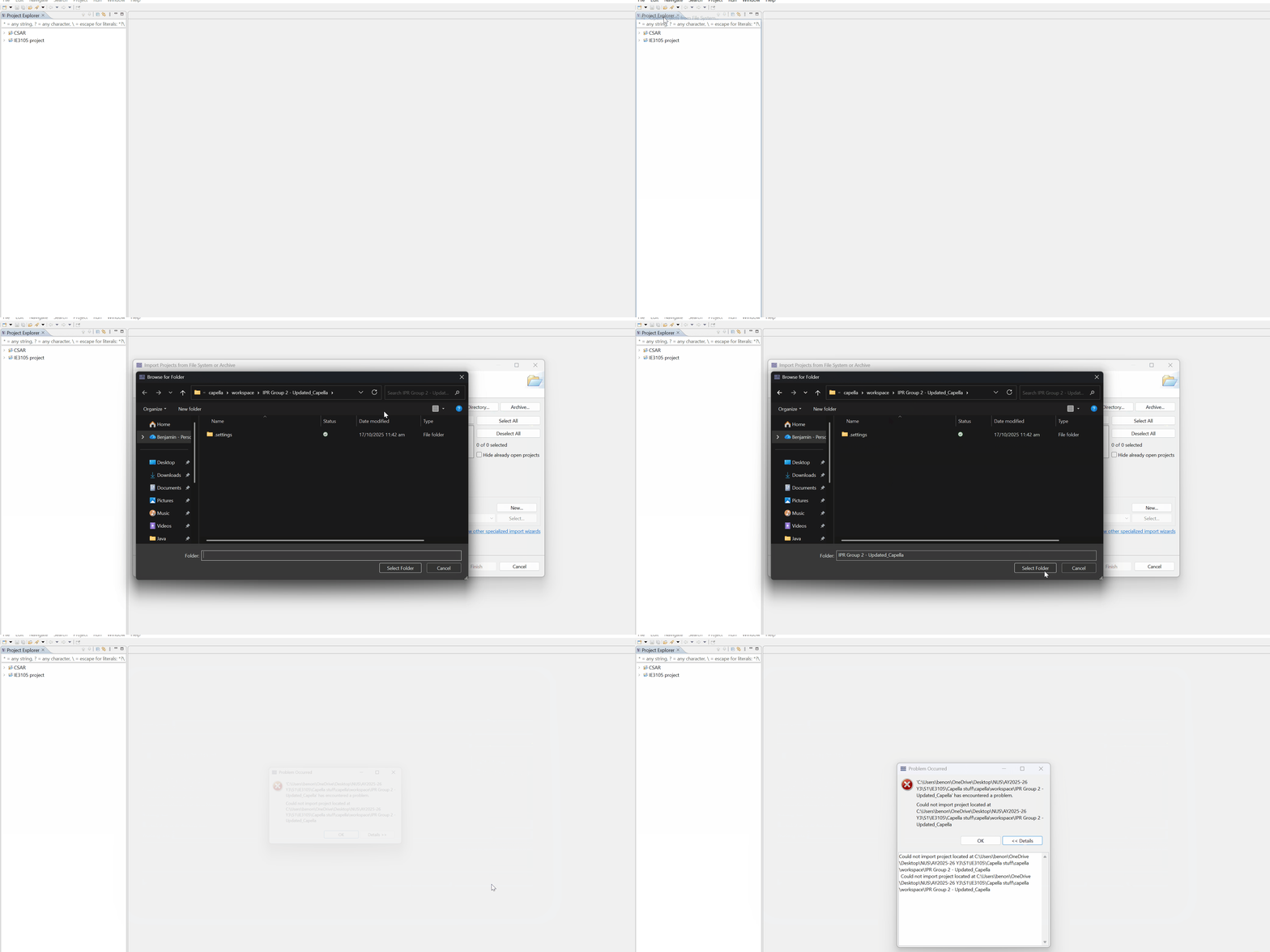
ok the error you are getting means that you are trying to open a project that is somehow already opened in your workspace.
Maybe the zip you are trying to open has been renamed, but from the trace, it looks like the project name is Situation Display” and that you already have such a folder in your workspace.
Maybe you can try with a clean workspace (you can use the “Switch workspace” action in the File menu)
Stephane