Hello,
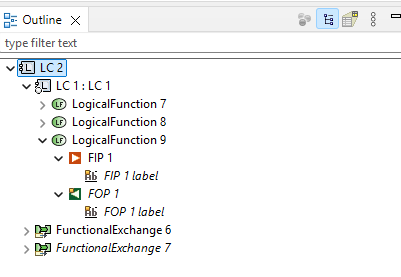
I’m struggling a bit how to handle ports and their names.Port handling seems very different compared to other MBSE / MBSW tools.I’m using capella 7.0.1.
Assume I make a system function named “Fubar” with ports Fubar_input_1 and Fubar_output_2
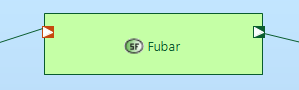
assume, I have different SAB diagrams where I hide the input port in one diagram and hide the output in another.
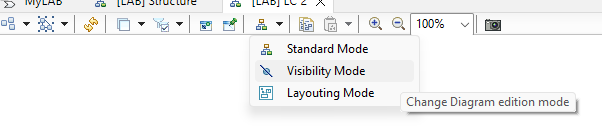
Question 1: where is an option to visualize all ports of a system function ? I only have a button to hide elements, How do you make ports appear again?
Question 2: If I change a port name on system analysis level (e.g. on a SAB diagram) and I do the functional transition. Port names are not considered as a change and do not propagate to the next level.
I have the feeling I’m missing something very essential, I cannot imagine these port names need to be maintained manually?
[edit question 2 is resolved by setting the right filter settings when clicking on the transition …]
thanks in advance