Hi everyone,
I’m new to Capella and MBSE. I would like to model the existing physical architecture of my system, and one of the requirements is the ability to “zoom in and out” starting with the main components and then drilling down into the selected one (similar to how google maps lets you move from continents to countries to cities)
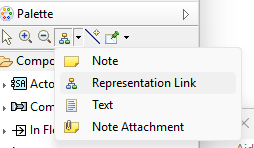
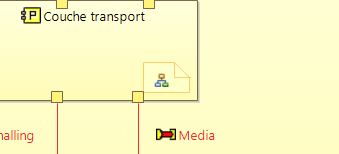
After some research, I found the system to subsystem add-on, but I haven’t figured out how to achieve a smooth transition (for example, clicking on a component to navigate directly to its details)
Additionally, I came across the concept of computed links but I’m not sure if they can be applied in this context
Thank you very much for your assistance and I hope you have a great day!