Hello all,
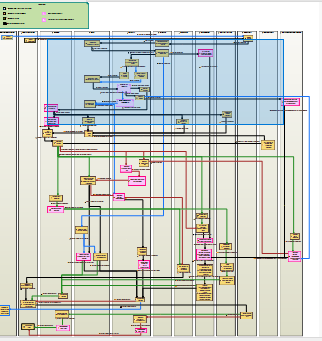
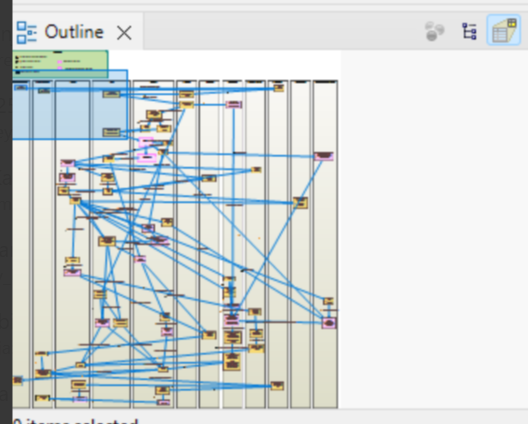
I am in the process of handing off my project to a colleague, and I’m having trouble keeping the positions of my linkages the same after export/import (see images below). I’ve followed the import/export instructions from the classic Toy Catapult tutorial (A Capella Tutorial) to export and import as a zip (archive). When I follow the export/import steps on my computer, the linkages look fine. However, whenever he imports the model and views the diagrams in Capella on his computer, the linkages go wonky, making the diagrams look disorganized. Even when we changed his preferences so that the linkages were shown with a rectilinear routing style, they still weren’t correctly positioned.
We have the same version of Capella, so that’s not it. It’s also not a factor of screen size, since the linkages look fine when I use Capella on my laptop. Does anyone know how to fix this? Is it even possible to maintain the exact connector placements, or does Capella not save that information in the model file?
This is the first time I’ve had to hand off a model to someone, so I don’t have any experience troubleshooting this process, and neither does anyone else at my workplace.
Thank you,
Karley