A simple question, but how do I view the selected element’s ID on the Properties view? Thanks!
You have to select the element in the Project Explorer window and have the Properties Window open. Then you will see it in the Property Window Expert Tab - a table of Property/Values.
I do not have the Expert tab in my Properties window. I am guessing I should enable it somewhere but I don’t know where.
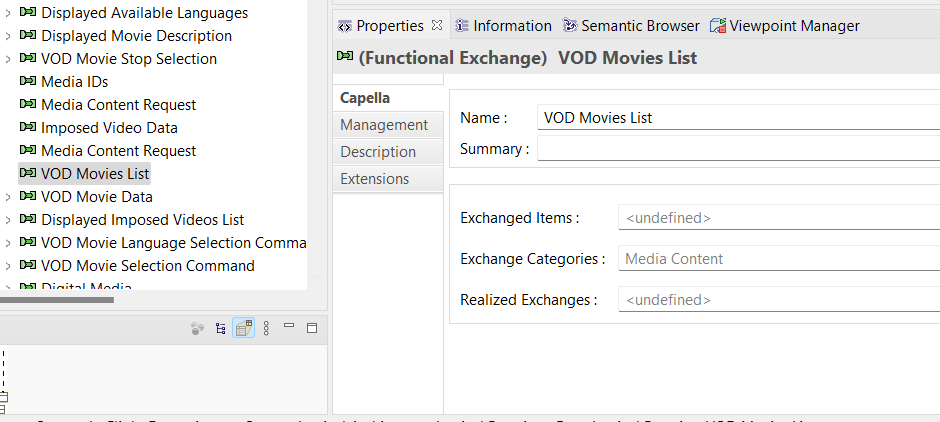
Aaah, yes.
That is under the Windows/Preferences tab. Try the Capella/User Profile and select Expert Mode.