Hello everyone,
I am currently working on the transition from OA to SA in Capella (7.0.1) and I am trying to understand how the Functional Transition tool is supposed to be used.
My goal is to automatically create System Functions from a selected subset of Operational Activities that I want to realize in the System Analysis layer.
What I did
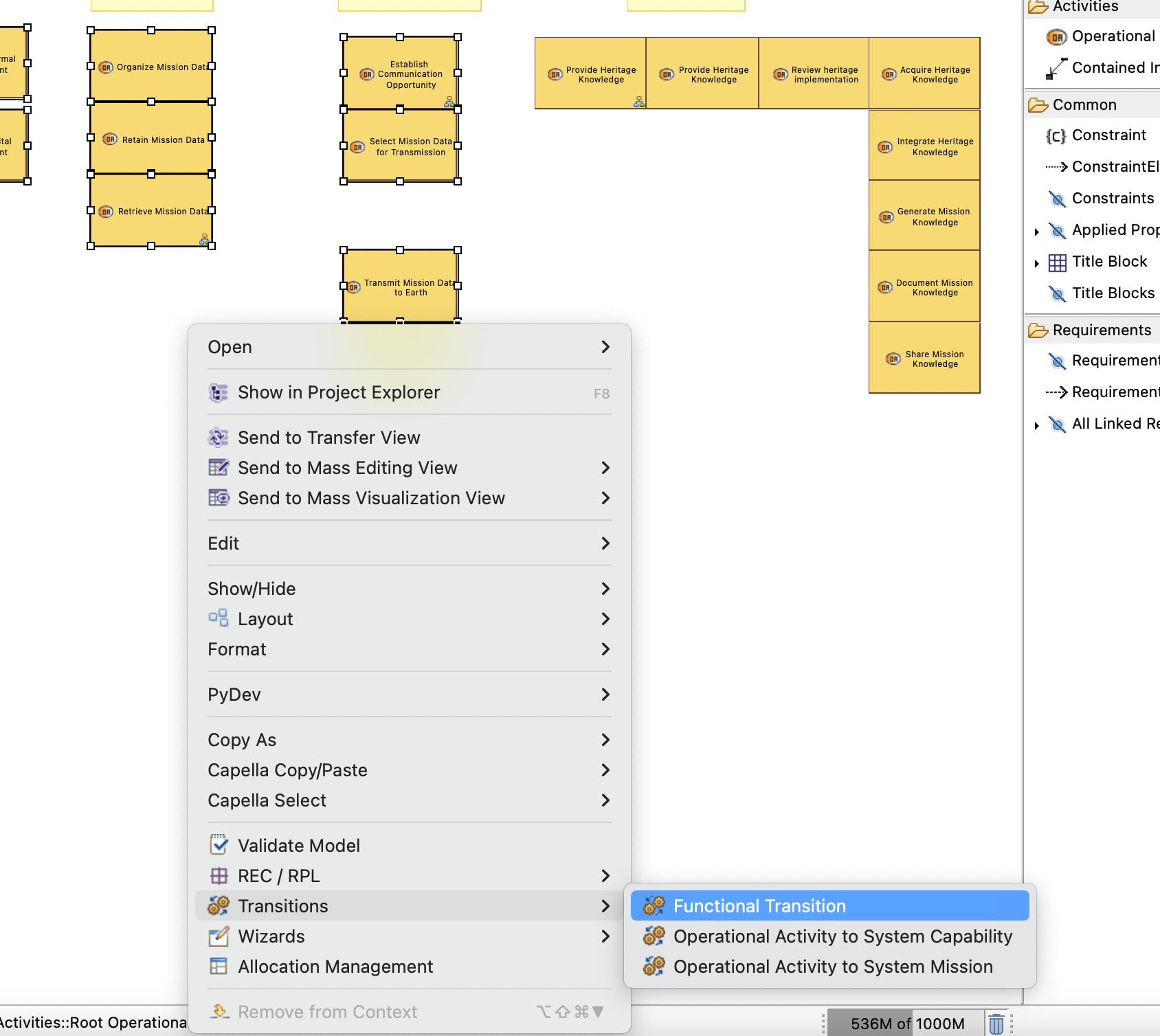
I selected several Operational Activities in an Operational Activity Breakdown Diagram (OABD) and started the transition via:
Right Click -> Transitions -> Functional Transition
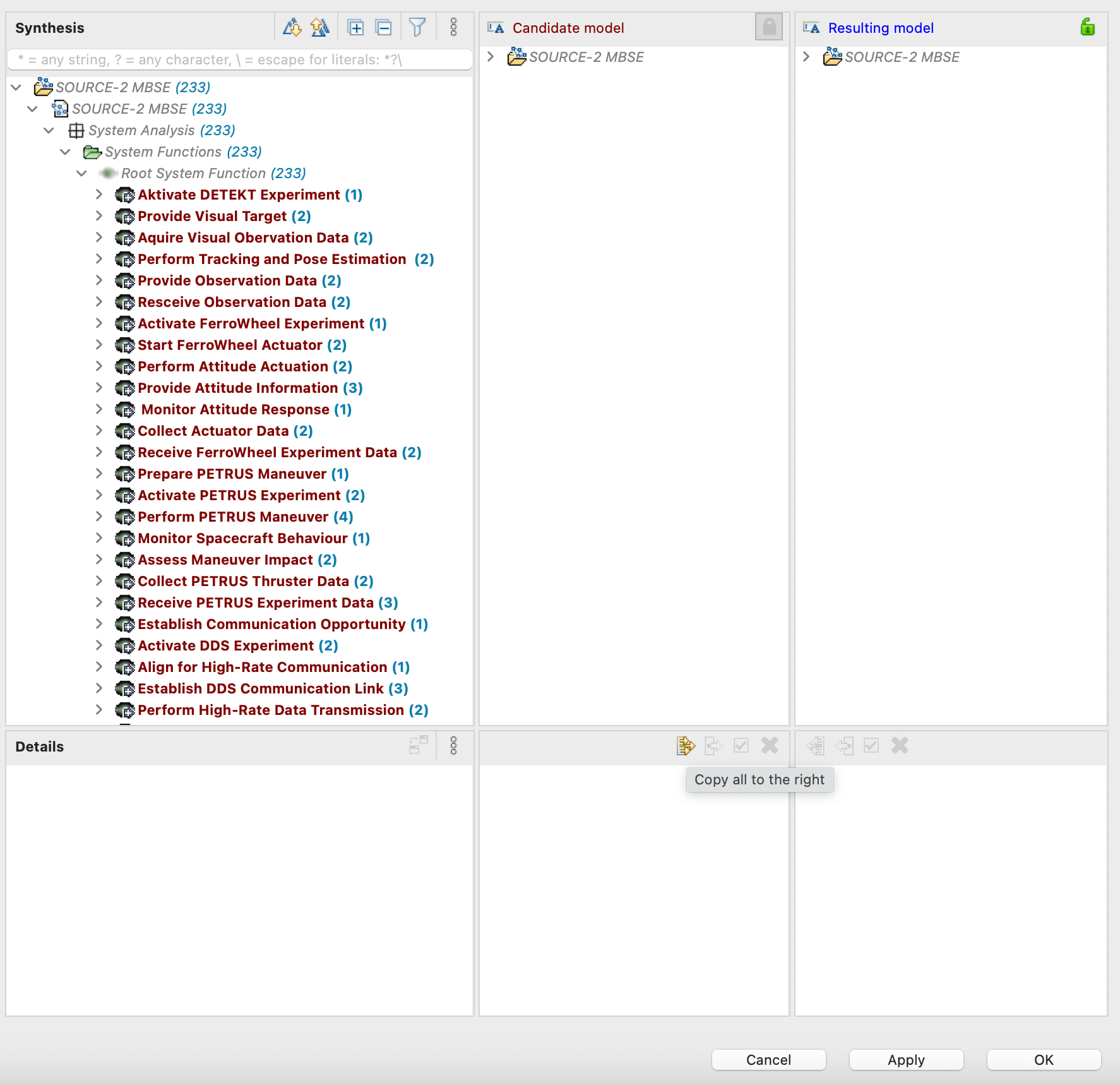
The Functional Transition wizard opens.
I then use the “Copy all to the right” button.
After doing this, I can see in the Model Explorer that corresponding System Functions have been created under:
System Analysis -> System Functions -> Root System Function
Everything looks correct at this point.
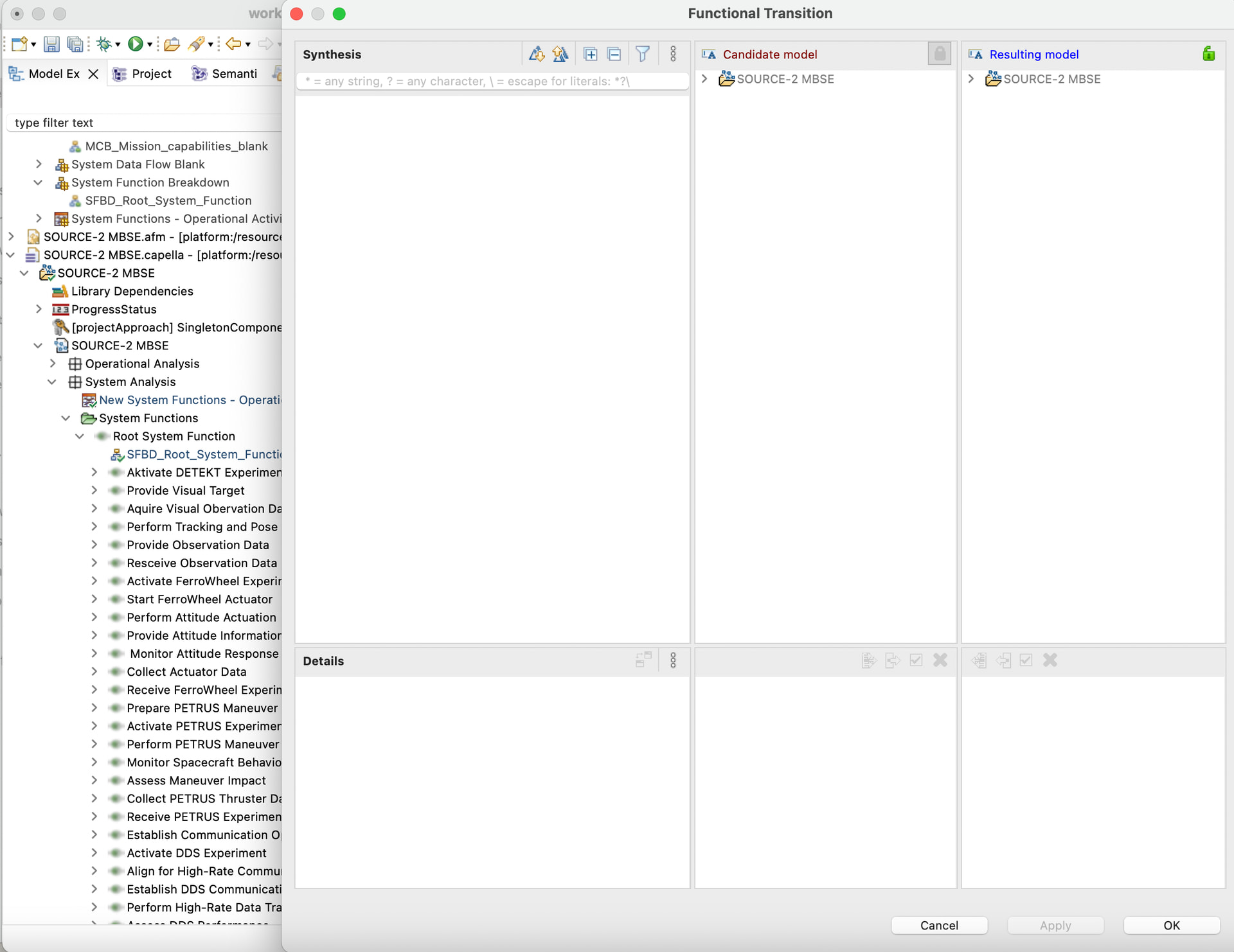
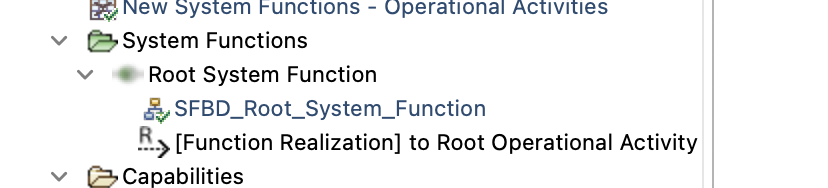
However, when I press OK to close the wizard, all of these newly created System Functions disappear again from the Model Explorer.
Additional observations
I also tried:
-
Opening the Functional Transition wizard directly from the System Analysis workflow page.
-
Just Pressing Apply
-
Using Apply Changes on the selected functions.
-
Using Ignore Changes on the selected functions.
In all cases I end up with the same result: the generated System Functions are visible temporarily, but after closing the wizard they are no longer present in the model.
My question
I am not sure whether:
-
I am misunderstanding how the Functional Transition tool is intended to be used,
-
I am missing a required step,
-
or whether this behavior indicates a problem with the transition mechanism.
Could somebody explain the intended workflow for creating System Functions from selected Operational Activities using the Functional Transition tool?
Thank you very much for your help.
here are some screenshots: