Hi,
Yes, there is a way to have in Capella the same mechanisms than UML/SysML using Parts and Cardinalities. However, this is not the default behavior of Capella where elements are by default considered instances (REC-RPL is meant to be used to mange definition-usage relationships). The reason why Parts and Cardinalities are not enabled by default in Capella is because these concepts conflict with the ones of functions, functional chains, etc. (in particular when one wants to perform instance-level functional or non-functional analysis)
I attached to this post a paper explaining the issue.
Anyway, should it really be your need, you will find all you need in the Capella documentation : Help Content / Capella Guide / User Manual / Preferences / Capella / Model
Hi everyone,
I need to use the block/part paradigm of SysML to instantiate some elements. I know that the recommended way is to use REC/RPL, but I think it is not adapted for the specific use case I am working on. I found on Capella website that, although it does not follows the ARCADIA method, it still possible to instantiate multiple Parts for a given block (could be an Operation Entity/Actor, Actor or Component of the other Capella layers). So I tried to reproduce the example given on Capella website (see picture below):
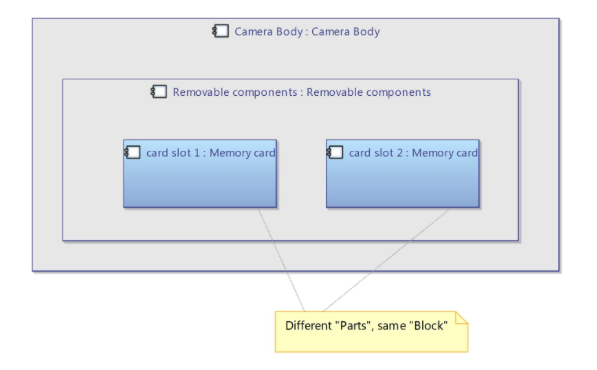
I created 2 Parts associated to an element (I tried with an Operational Entity the first time and with a Logical Component the second time). But I encounter the following problems:
- The default Part’s name is the element name and I can’t change it like shown on Capella website
- I tried to use the 2 Parts in a diagram (OAB the first time with the Entity and LAB the second time with the Logical Component). With the Logical Components I was able to drag and drop the 2 Parts in the LAB diagram. But with the Operational Entities, it was impossible to put any Part in the OAB diagram. It only works when I drag and drop the “real” Entity.
- When I tried to set a Part’s name, the Name of the other Part, and the name of the original element change at the same time
I know that Capella is configured by default for using only one Part per element, so I tried to modify the settings following the documentation. here after in the documentation indication (Help Content / Capella Guide / User Manual / Preferences / Capella / Model):
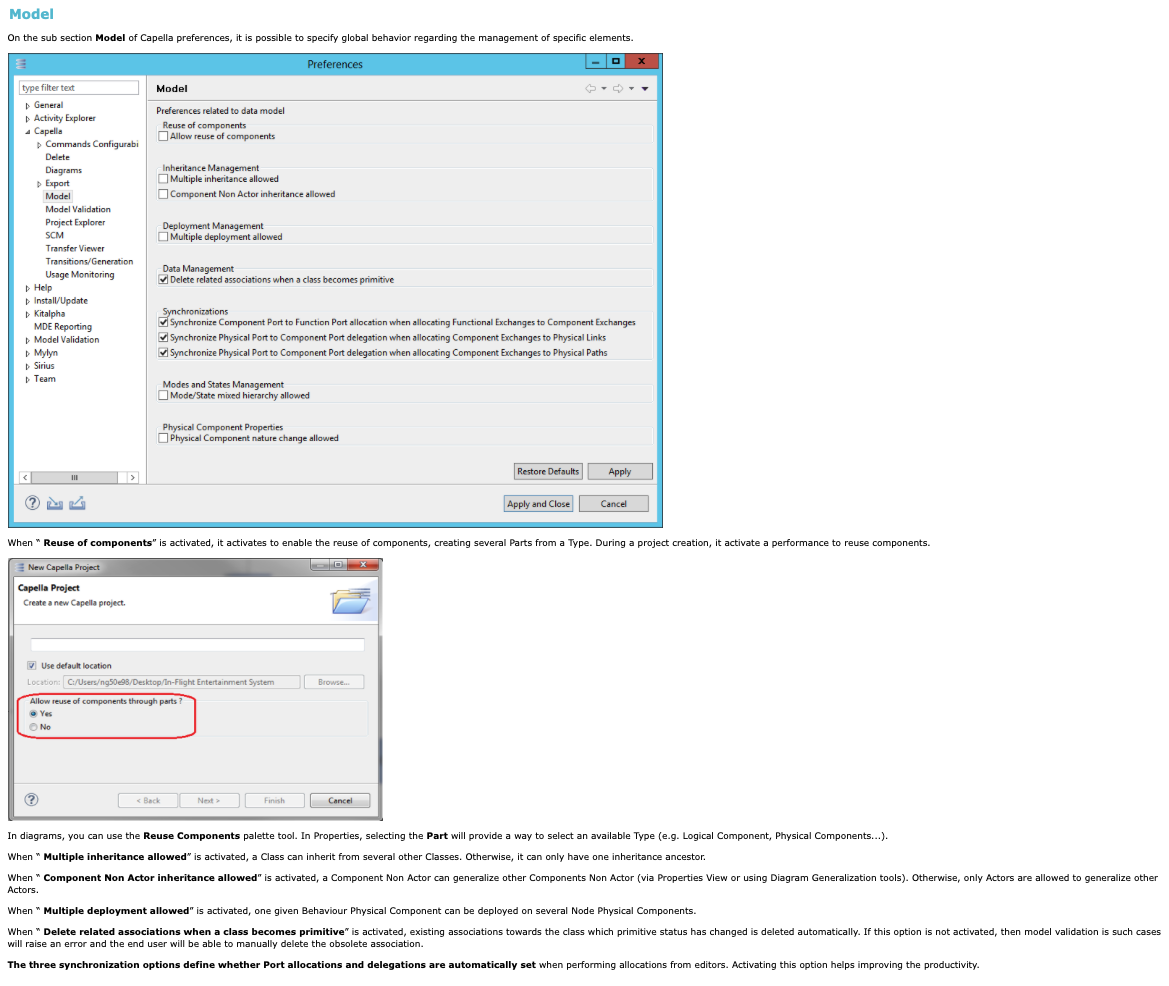
I activated “Reuse of Components”, but I can’t see the corresponding palette tool in the diagrams and I still can’t find a solution to my problems. So I am wondering there is a parameter somewhere else in the settings that I can change to overcome the enumerated difficulties. Could anyone help me finding a solution, please?
Regards
First, you need to make sure that you have activated the reuse of components in the preference window (the documentation does not show it activated, make sure you activate it) and then, as explained in the documentation, make sure you also activate the option when creating a new Capella project.
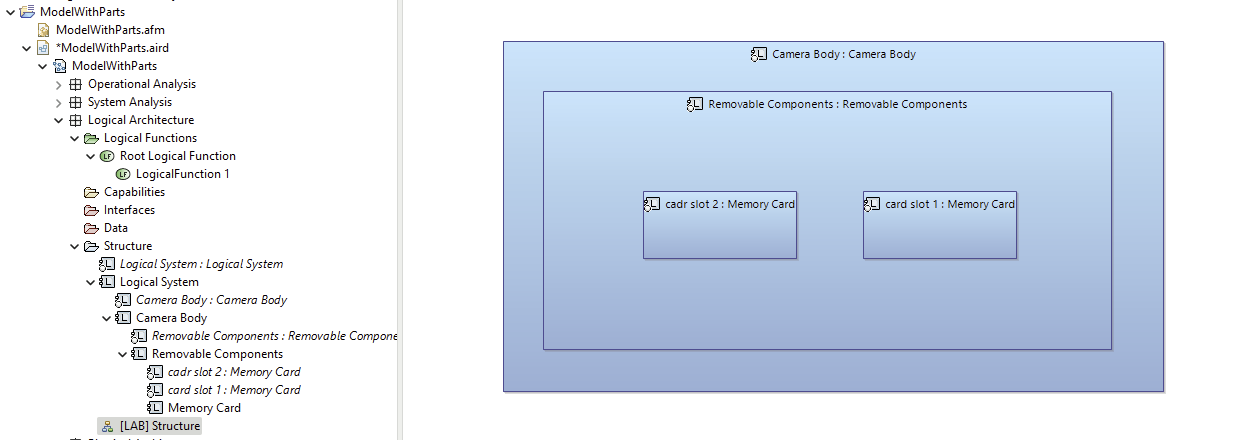
Once you’ve done that, you should have the names that are displayed correctly in the diagrams (Part Name : Bloc Name).
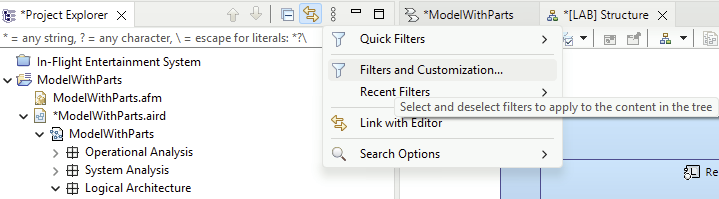
Now, when creating objects, you can change names by selecting either the bloc or the parts in the project explorer view, but for that, you need to make sure you made the parts visible by going to the filter options:
and then make sure to UNselect the parts:
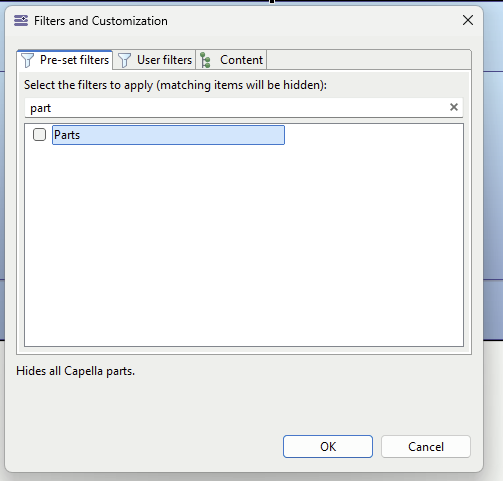
Now when creating elements, here is how it works:
- if you use the typical tool in the palette, it is going to create both the part and the bloc:
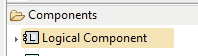
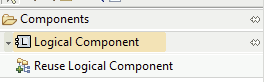
- you may change this tool for creating additional parts to the same bloc only by clicking on the small arrow in the left of “Logical Component” and choose “Reuse Logical Component”
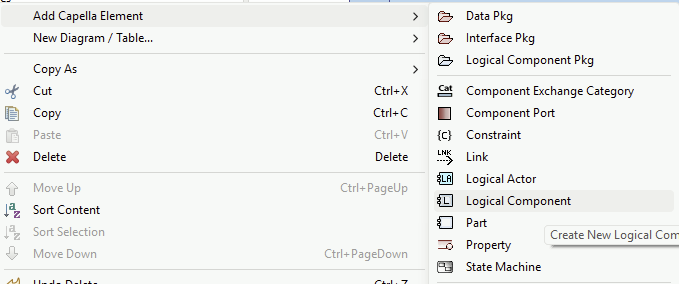
- or you may create parts directly from the project explorer view (right click on the containing Logical Component) and type them with blocs going in the property view:
Result:
I am using Capella 7.0.
I hope this helps.
Stephane