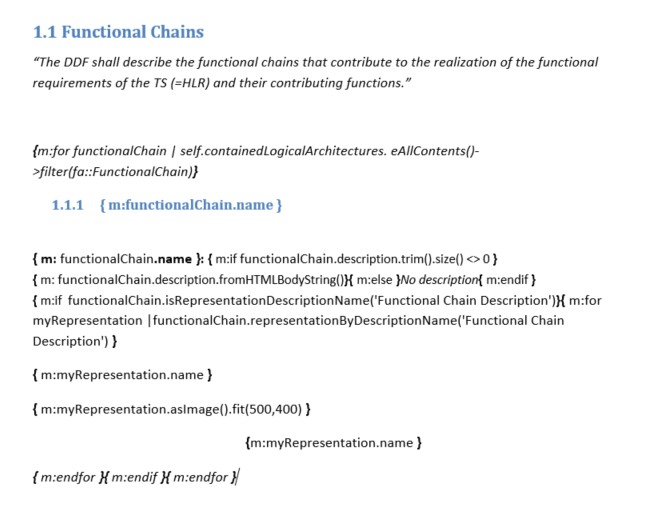
So I tried to create a new template with only this piece of code in order to make a little more investigations… However, the generation worked fine for this new template !
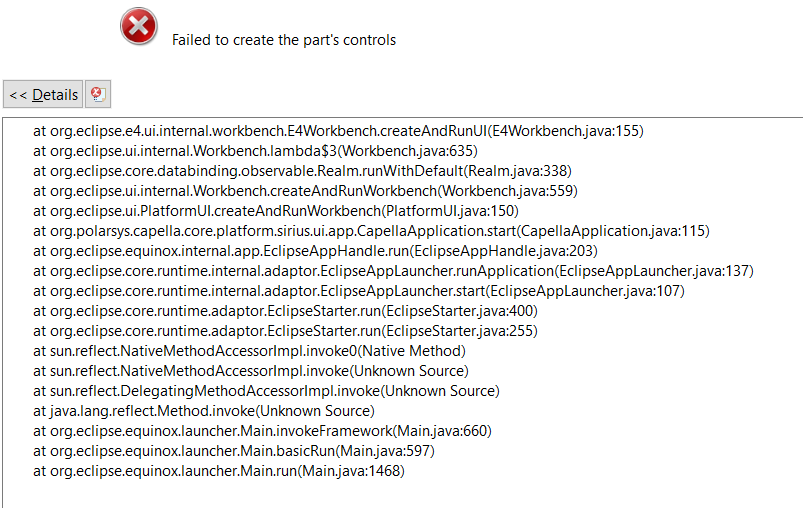
You have this error when opening the word document inside Eclipse ? It’s probably related to the integration of MS Word with Eclipse… not sure how to improve that.
Some time this can happen when the document is already opened in MS Word outside Eclipse or by some other process. I don’t think this is related to the document itself.
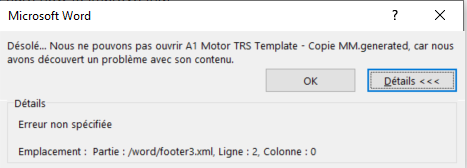
Something in the footer is generating an invalid document. Default header and footers presentations from MS Word are known to produce his kind of error with M2Doc.
I’m seeing the same issue, however isolating the queries in an otherwise pristine Word document (without headers and footers) does not fix it. I’m also attempting to output representation images in a for loop.
When opening the generated document outside of Capella, Word complains with the following message:
“we found a problem with it’s contents. Details: HRESULT 0x80004005 Location: Part: /word/header2.xml, Line: 0, Column: 0”
Word then offers to “recover the contents” of the document, which works.
It is Microsoft Office Professional Plus 2019. On the other hand, LibreOffice can open the generated document without issues.
I extracted header2.xml from the .docx to investigate, but it seems to be valid XML.