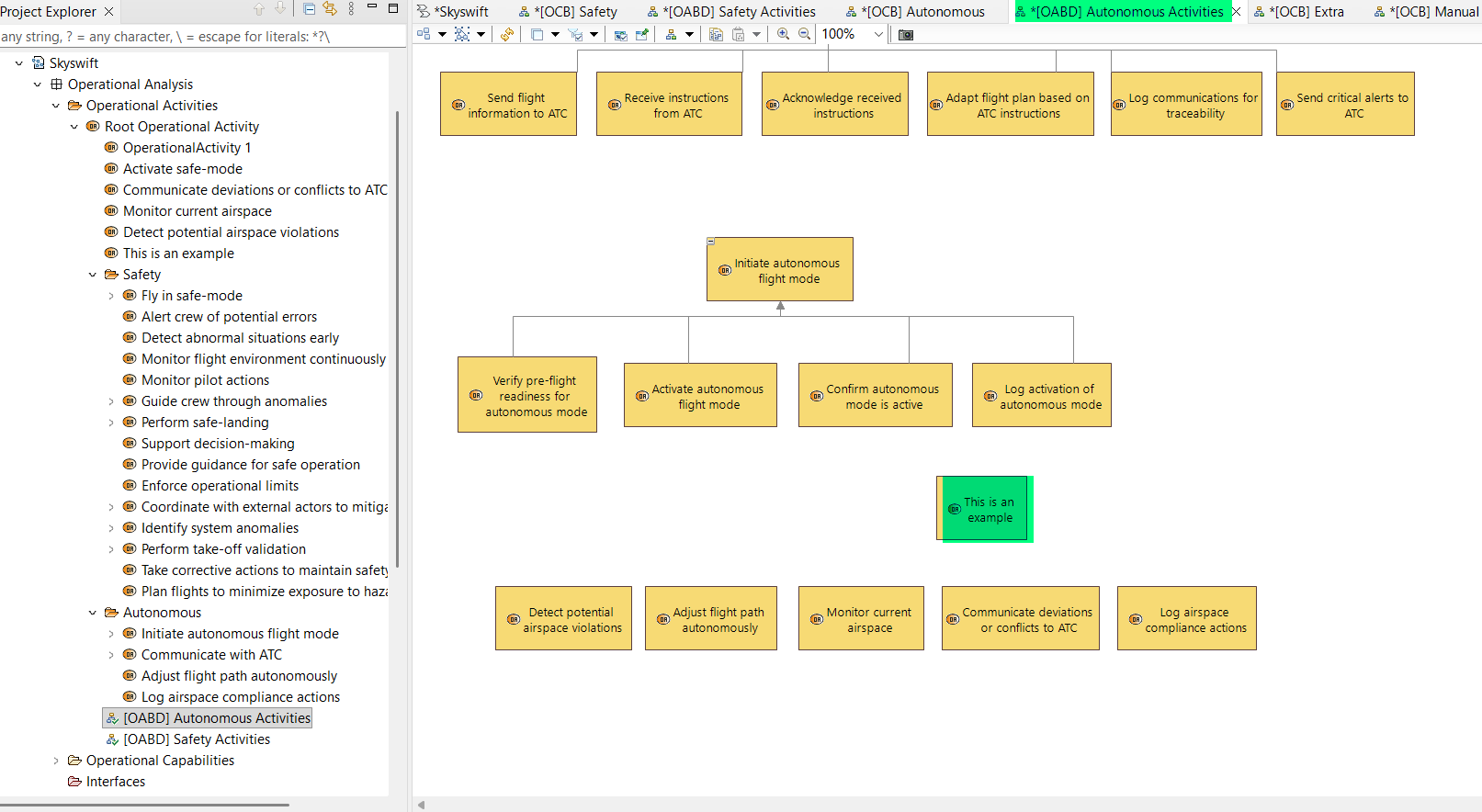
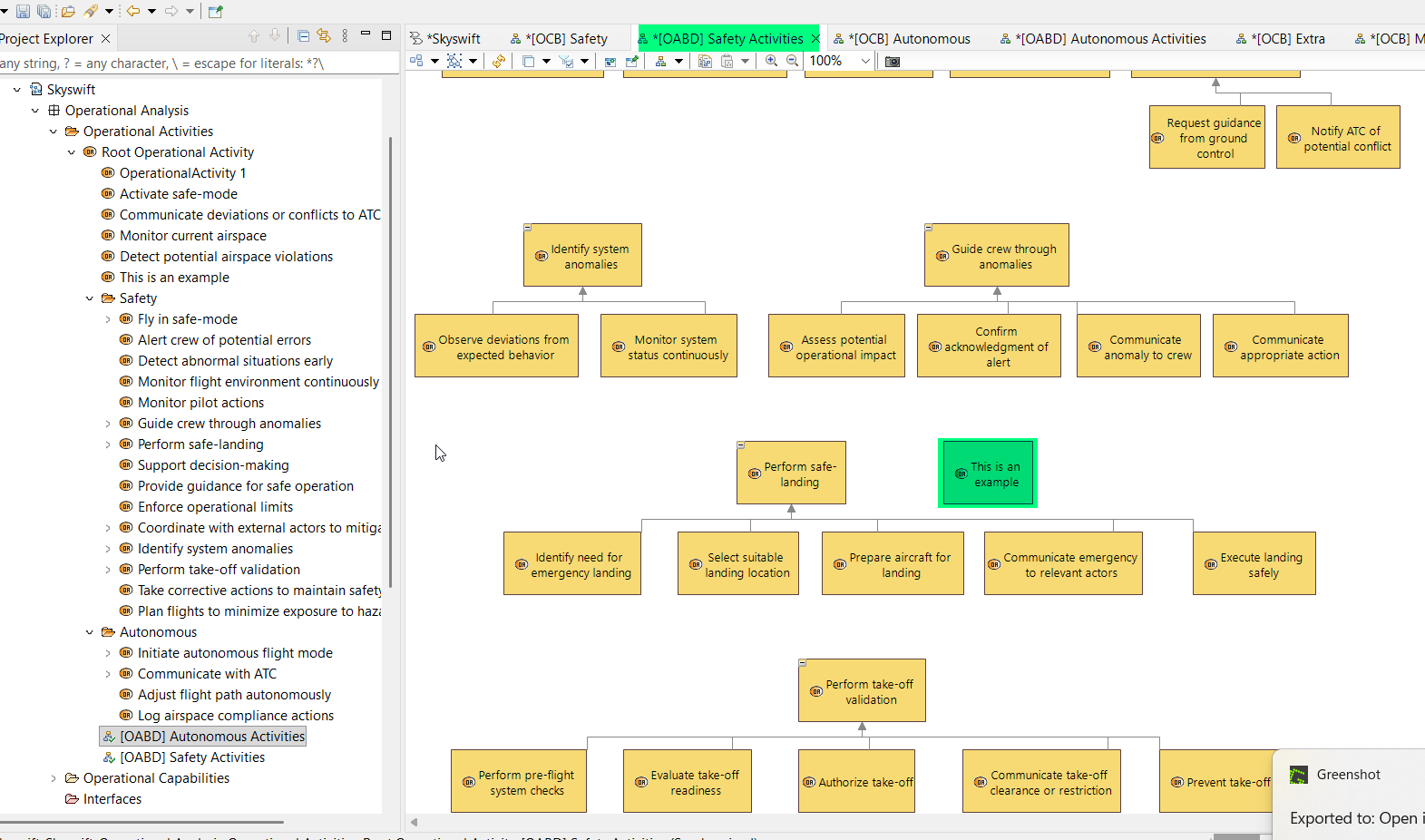
I have to hide the activites every time but it is very annoying and will be not possible if I have 4 diagram and that each activity needs to be hidden in all 3 others diagrams.
In theory, you should make these diagrams “Unsynchronized” (read more on this topic on this thread: How to disconnect cloned diagrams? - #7 by SamuelRochet ) - This will cancel the behavior that makes sure that your diagrams reflects model content. Nevertheless, when you do so, relationship between elements (edges) are not displayed anymore when creating new elements, which is a big drawback. I believe this is a behavior that should be changed…
Anyway, I guess the only workaround I see here is for you to work on a single diagram, and then when you’re done, clone your diagram and hide what you want in the other one…
Hi Stephane, Thank you for answering my question. I’ll try like this.
However, am I doing this the right way ? I see a lot of tutorials on the internet but it is always very simple models and it can be quiet difficult to adapt it to big models such as a complete aircraft.
I wonder if they are any other native tools that are made to simply this process? Any feedback might help !
I am not 100% sure that the OABDs are used that much. I mean, it is useful, no worries, but it is just showing the functional decomposition, there is not a lot of visual value as this is the same information as in the project explorer looking at the function structure…
OAIBs conveys more information in terms of functional analysis since you can show both the functional decomposition and the functional exchanges. And they are focused on one functions, so you can natively create many of these diagrams as your model grows.