Hi everyone,
I built Capella Beautifier.

Some time ago,
discussed how to effectively beautify Capella diagrams automatically. The discussion pointed towards
ELK Layered as the way to go, and projects like
showed it was possible by modifying .odesign files.
I took a different approach and built Capella Beautifier, a completely standalone plugin that does not modify any Capella internal files. No .odesign patching, no JAR replacements, no risk. It injects the
ELK configuration programmatically at runtime.
What it does
Two new buttons appear in your diagram toolbar: Beautify H (horizontal) and Beautify V (vertical).
Click one and your diagram is instantly rearranged with optimized ELK Layered settings, tight spacing, orthogonal routing, hierarchical container layout, and automatic node sizing to fit label text.
Works on every diagram type: SAB, LAB, PAB, SDFB, OAB, and more. Works on existing diagrams you already have and on new ones you create. Full Ctrl+Z support to undo if you prefer the original layout.
Installation takes less than 10 seconds
- Download the ZIP from Releases · juancar95/capella-beautifier · GitHub
- Drop the JAR into your dropins/ folder
- Copy the ELK plugins to your plugins/ folder (included in the package)
- Restart Capella → done
No configuration needed. No setup wizards. No dependencies to install manually.
The same JAR works on
macOS, Windows, and Linux.
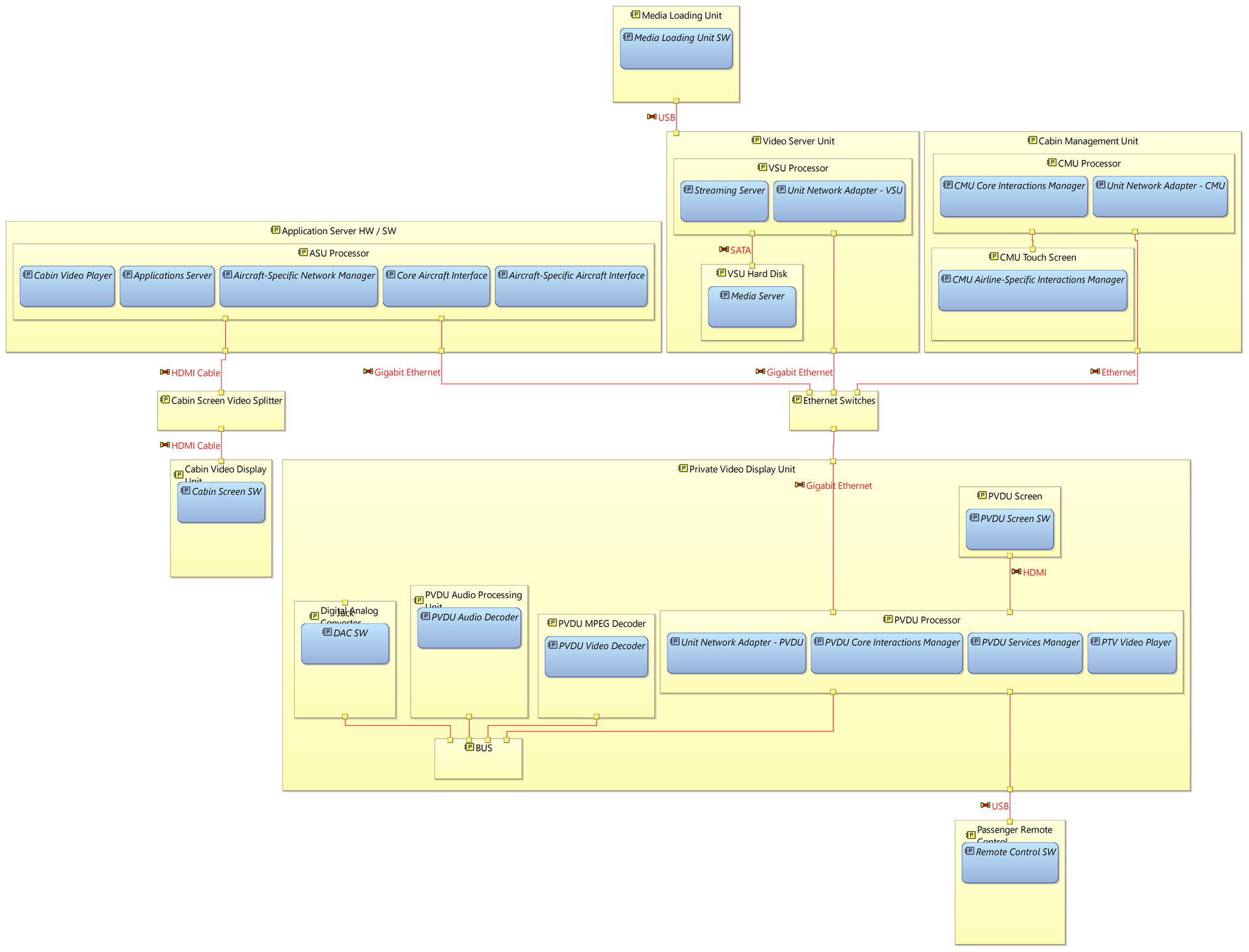
Results
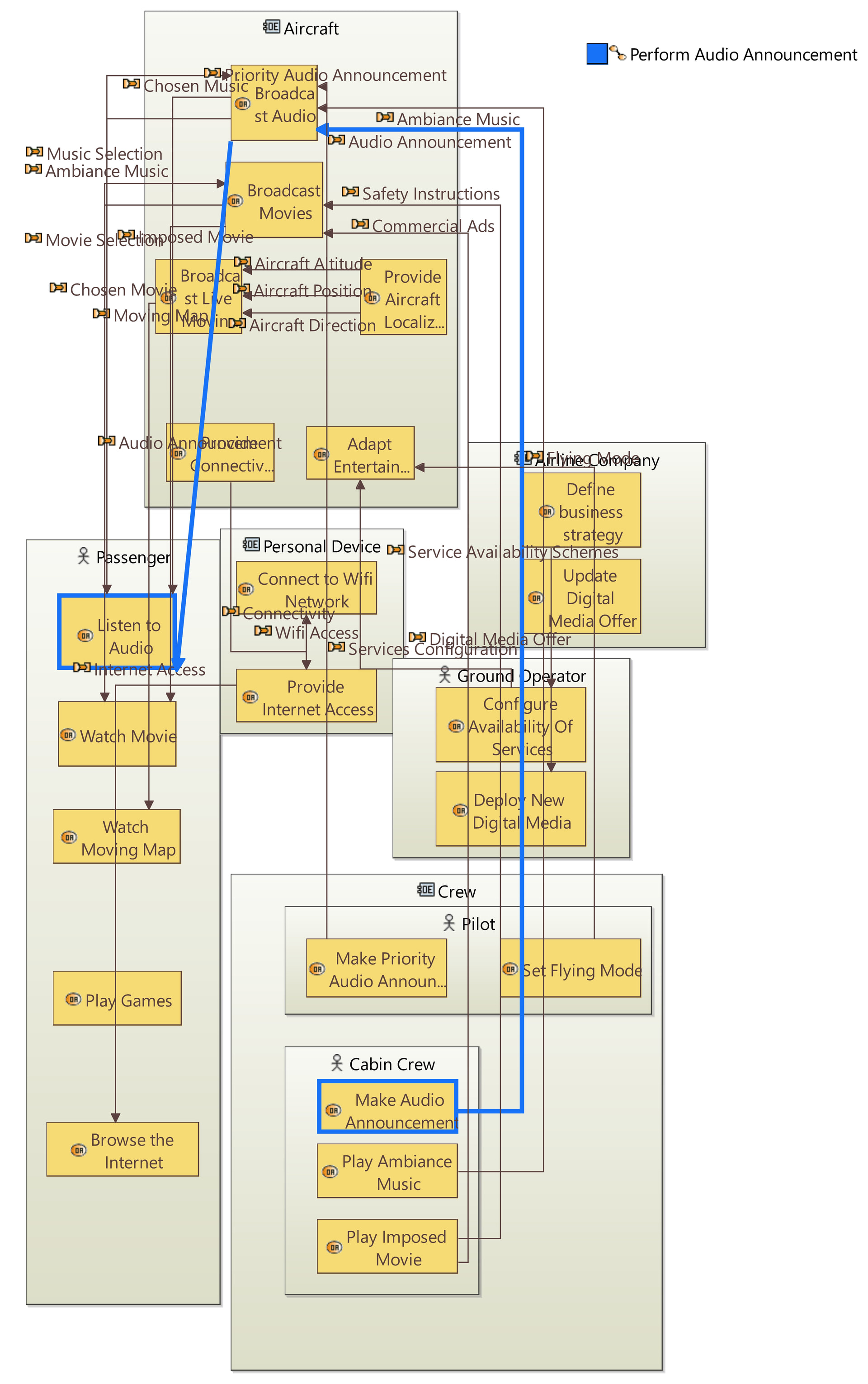
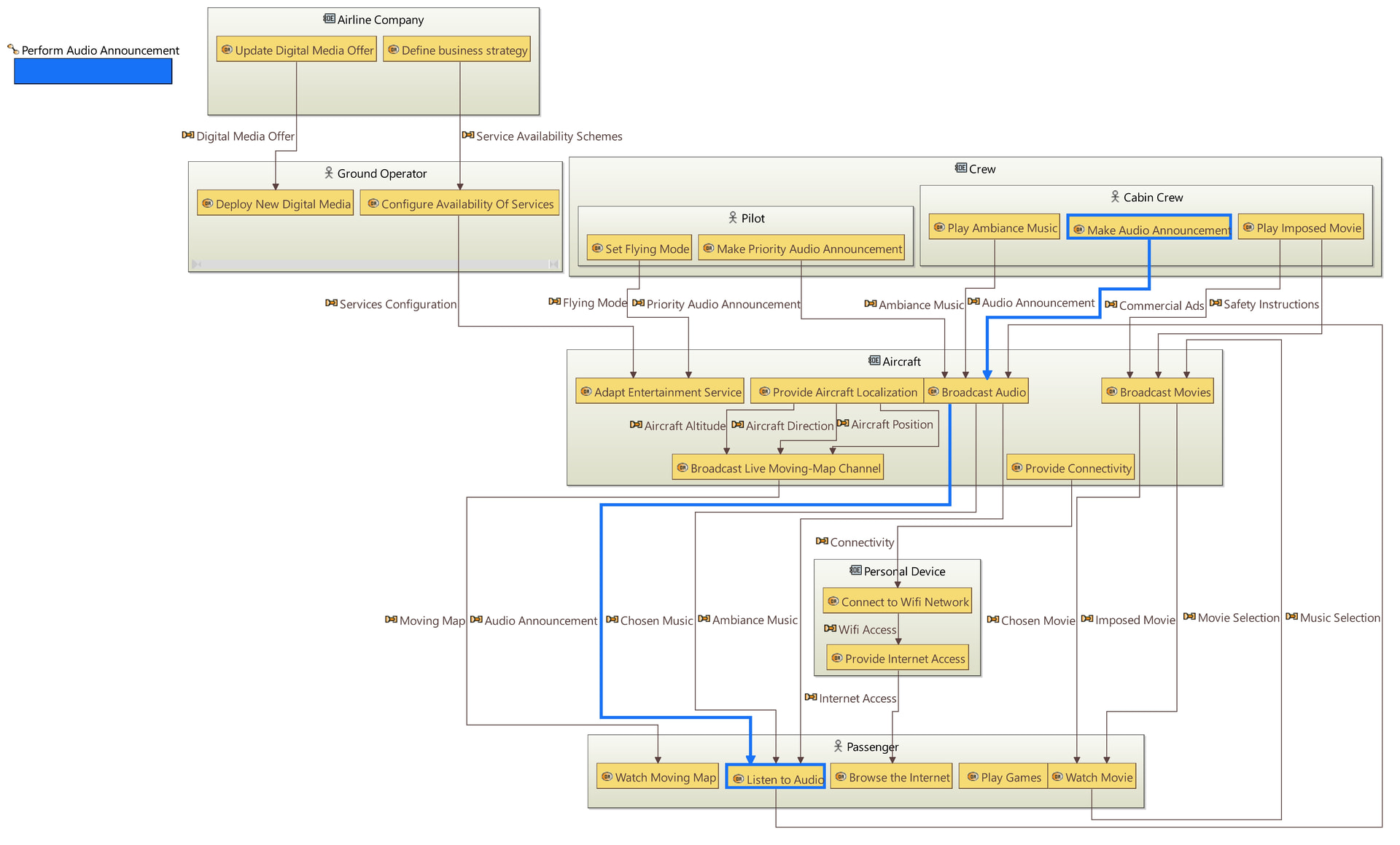
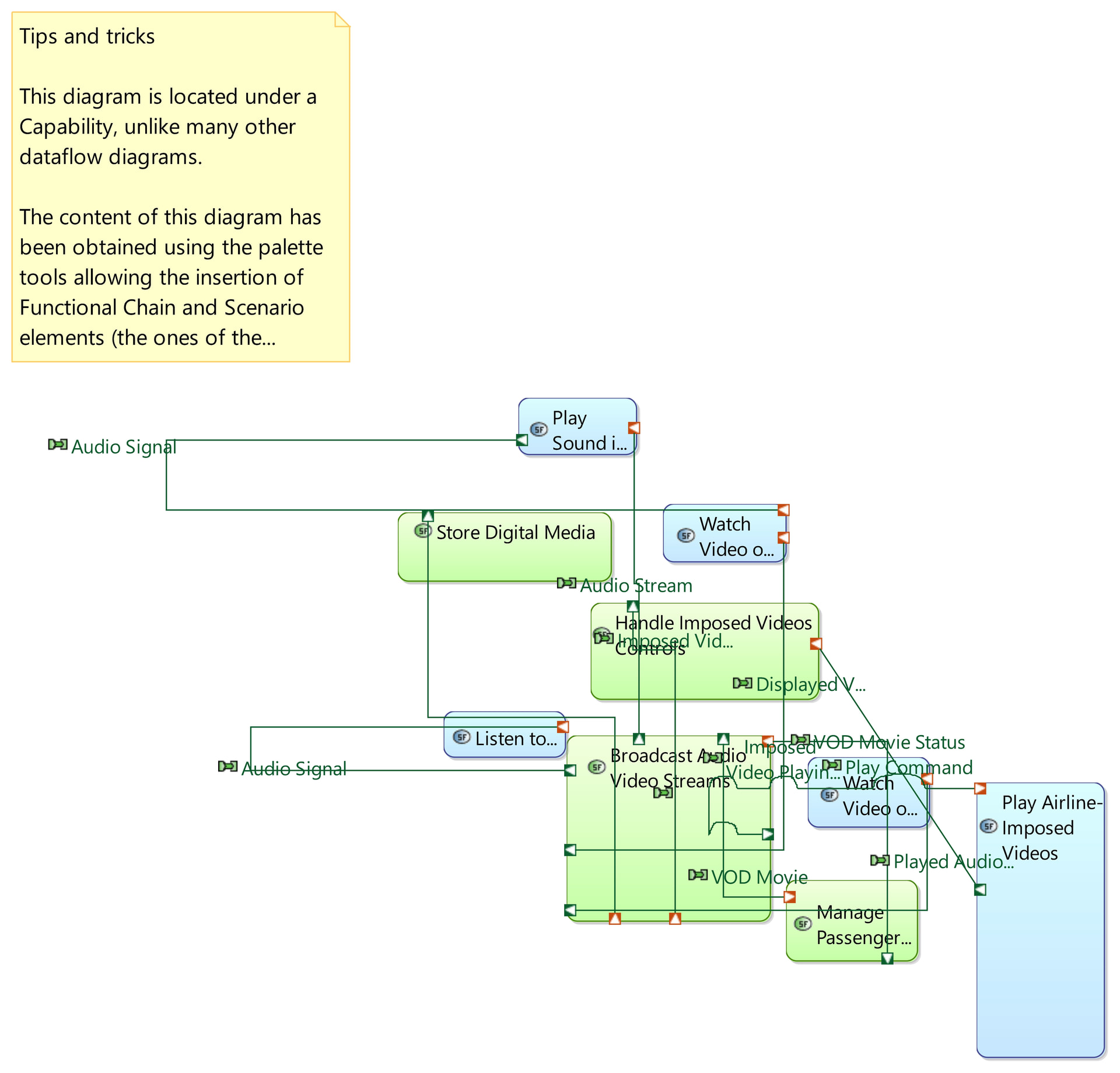
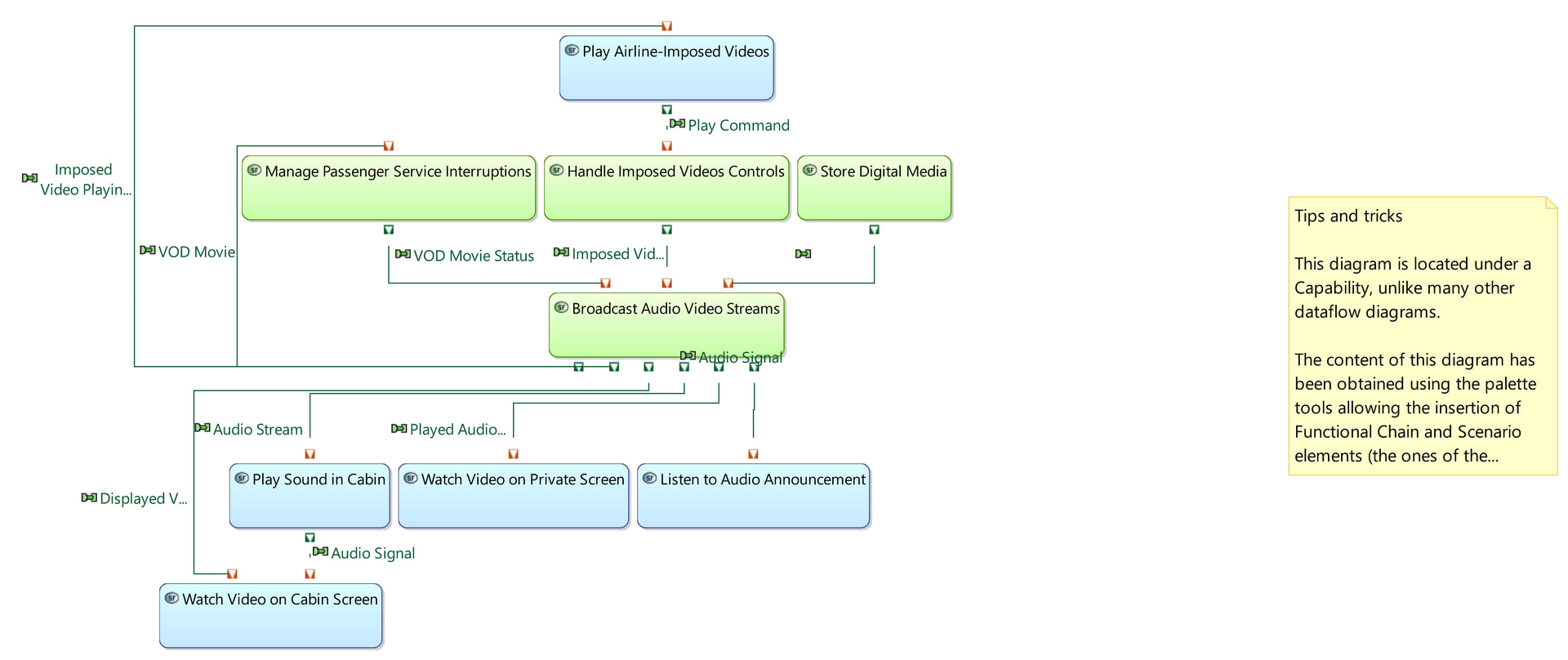
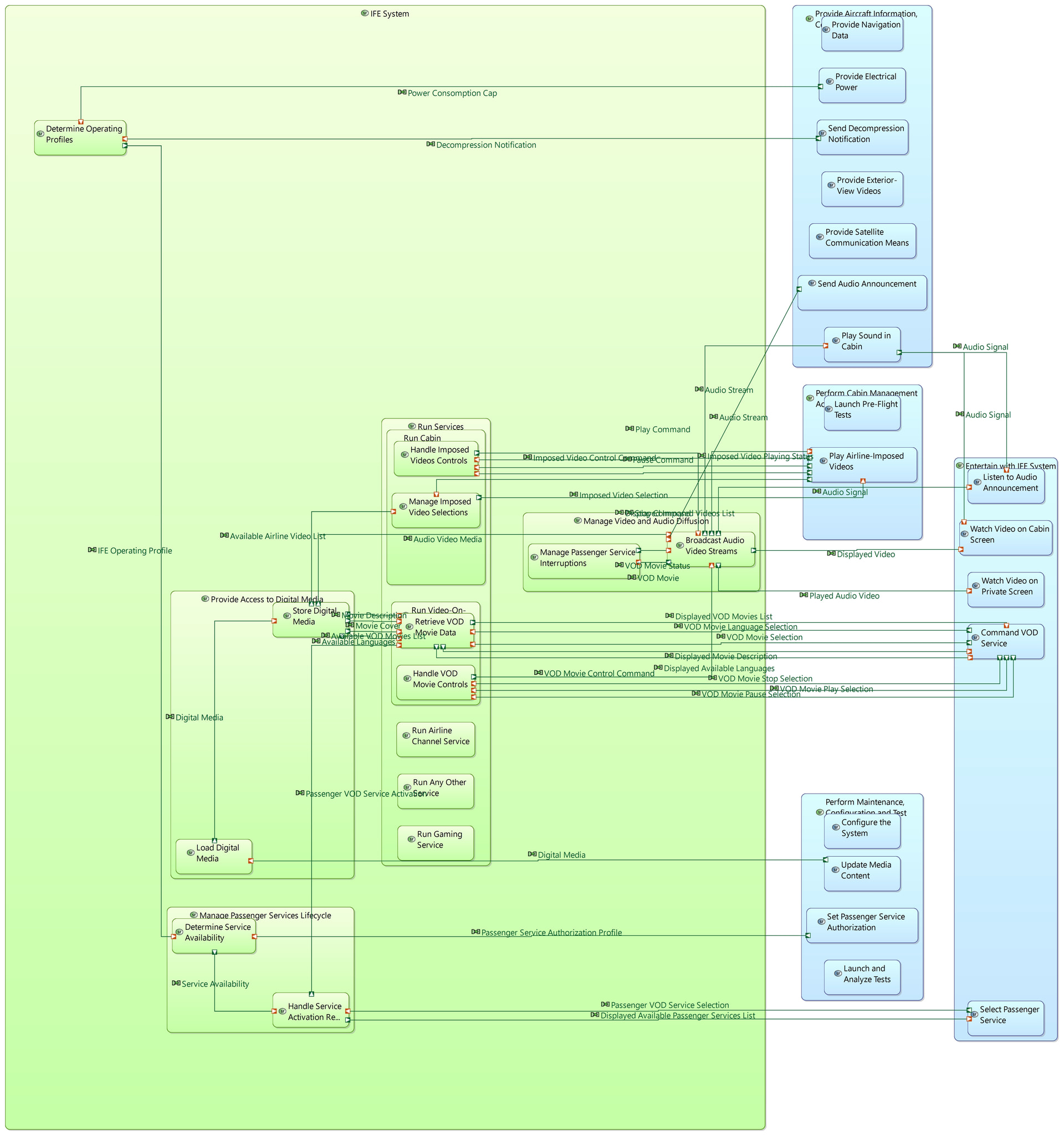
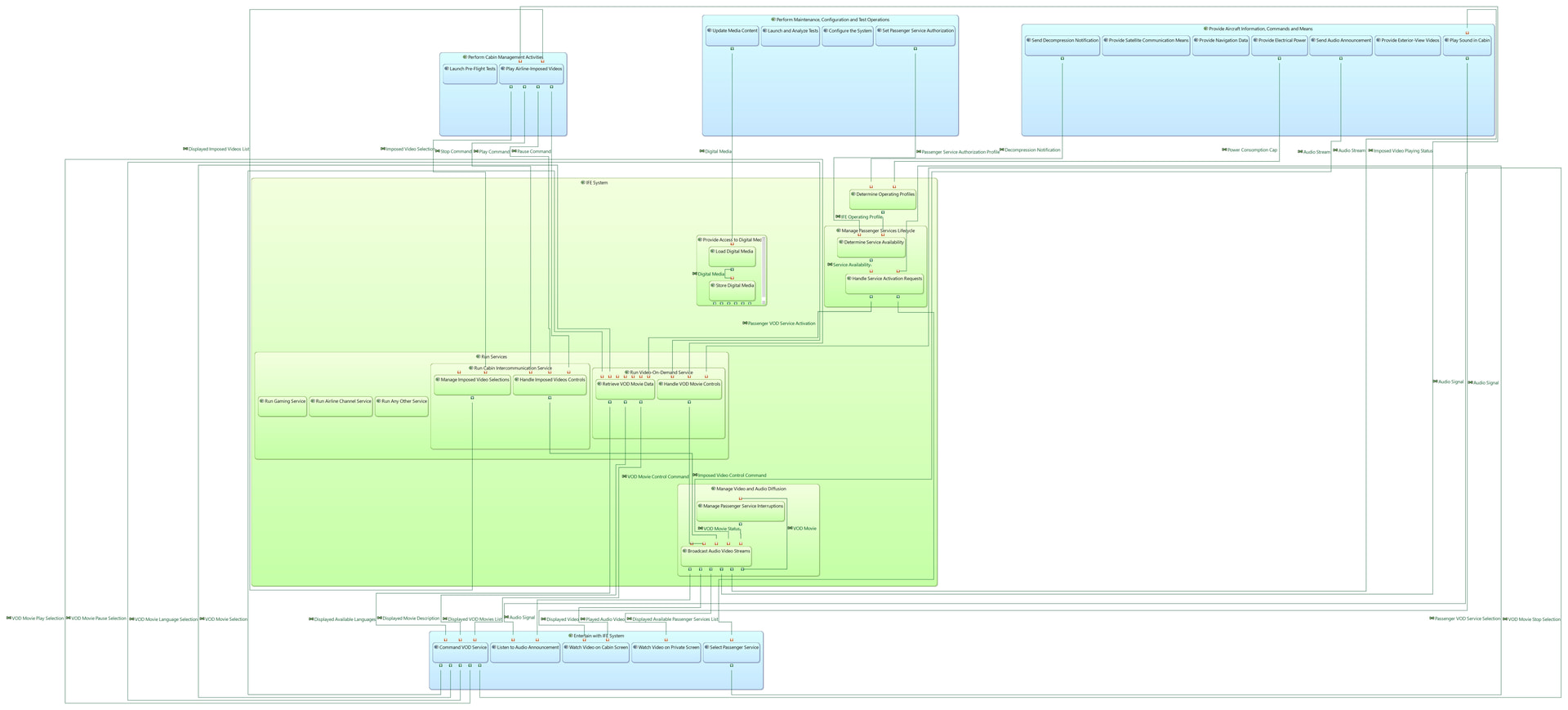


Hope you can try it and use it in your daily work, and also collaborate in this project with me!
BR,
Juancar.