Sorry, I forgot to answer.
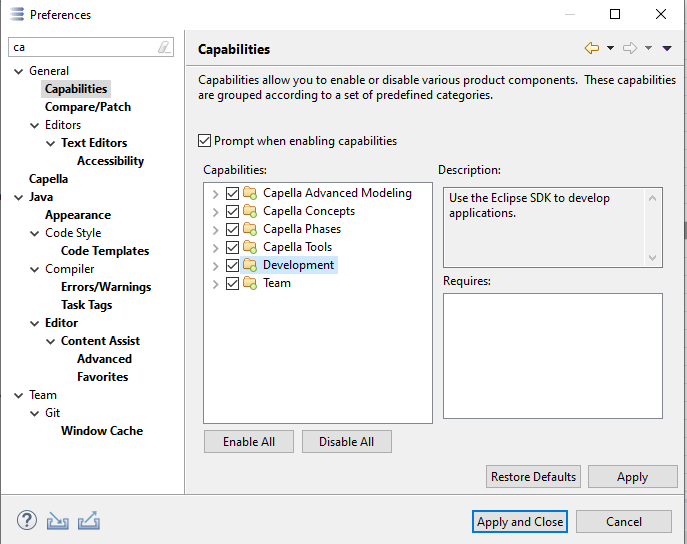
IIRC, you have to enable the Development/Debug capability in the preferences:
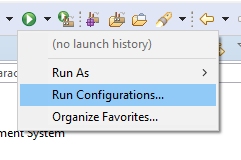
Then you can click the small triangle next to the green run button, and select “Run Configurations…”
There should then be a Groovy for Capella category, where you select the script file, set arguments etc and finally run the script.